






BRAND STORY
We take the tedious work off your plate. So the time you save becomes dinner with the people you love, and a step toward the dream you put off. So that small changes add up, and everyone's day gets a little warmer.

The team behind these tools also builds software shaped around how your company works.
Popular will update weekly once visit counts are connected. For now it matches Recommended.
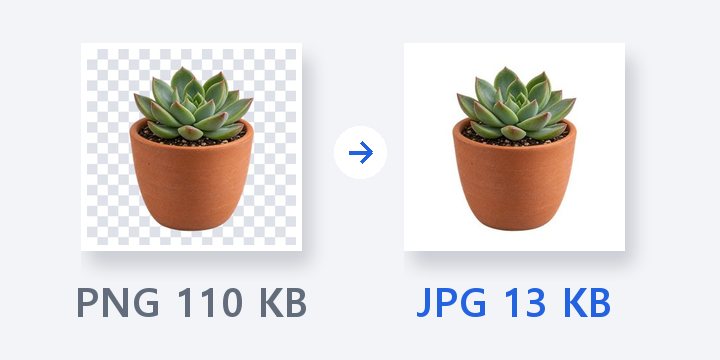
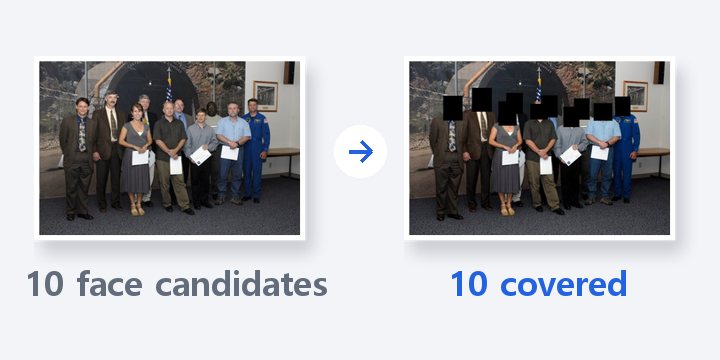
Turn iPhone HEIC photos into JPG — for photos this browser can open.
Open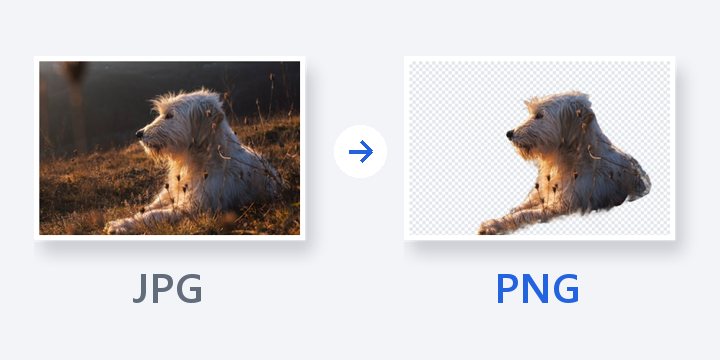 Photo
On a capable PC, AI removes the background automatically. Phones use a light AI, or plain-background removal if it can’t load.
Open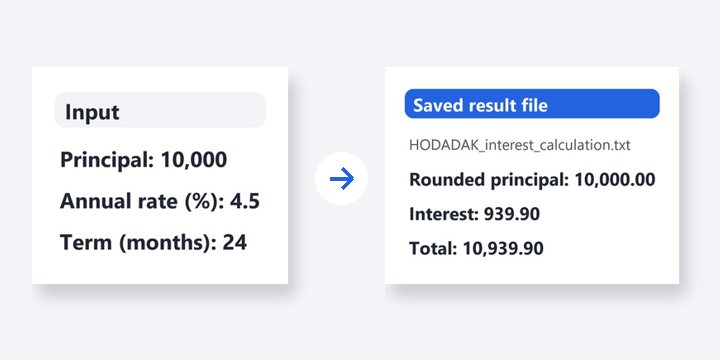
Review after-tax deposit and monthly-saving estimates, or precise simple and compound calculations.
Open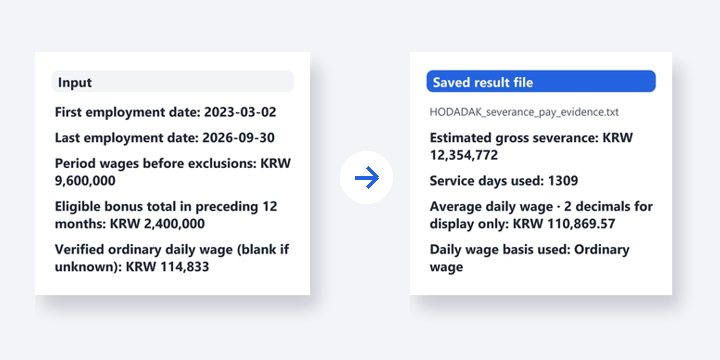
Check a gross estimate, periods and exclusions, then save inputs and evidence. General Korean severance / DB formula.
Open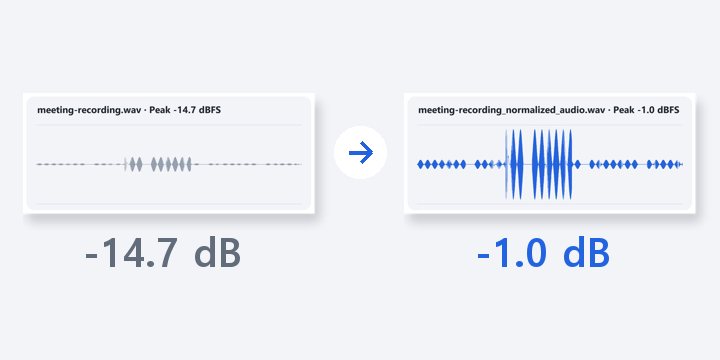
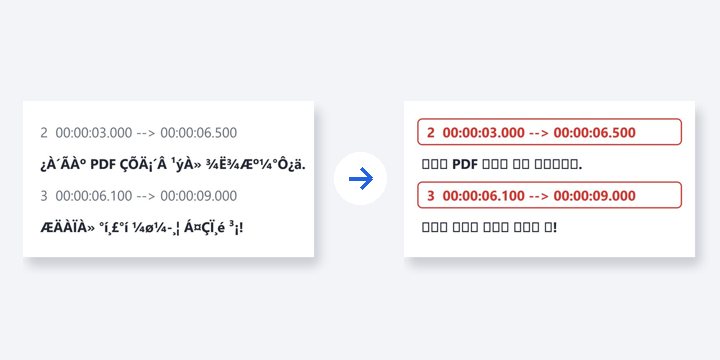
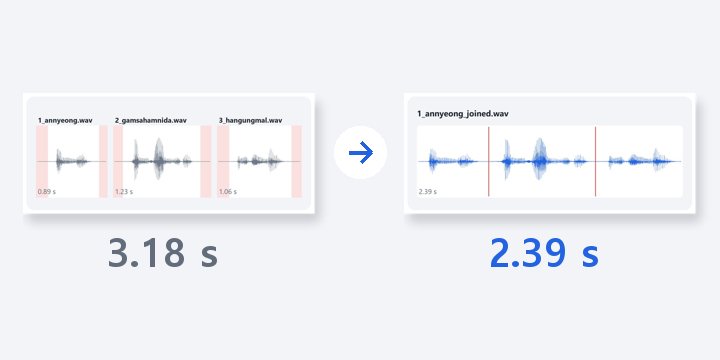
Adjust the whole recording without adding clipped peaks. Listen before and after, then save a new WAV.
Open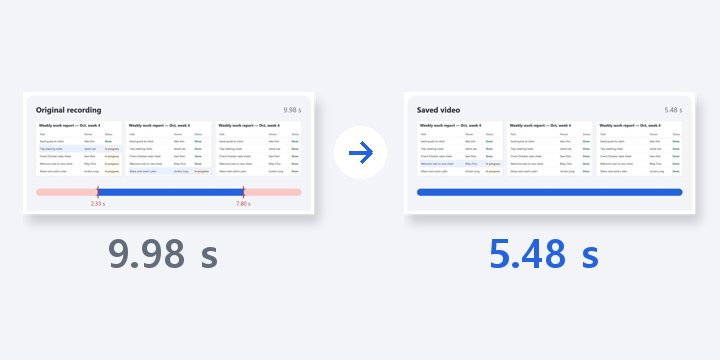 Video
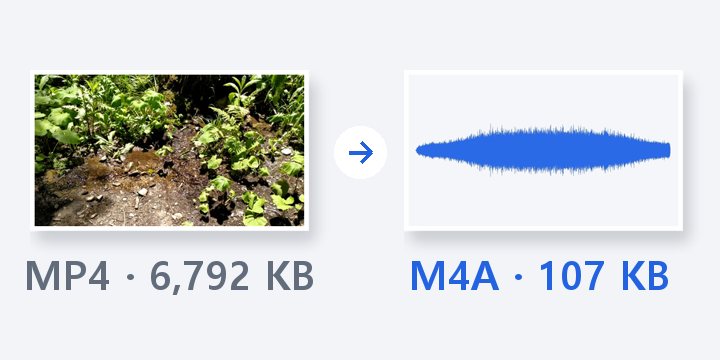
Trim the start and end right after recording and save an MP4 with proper length information.
Open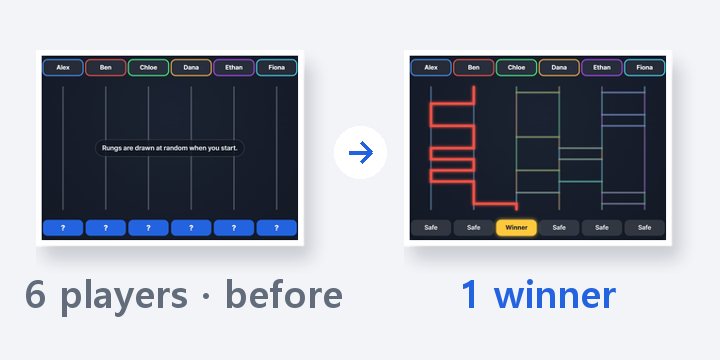
Enter names once for a ladder game, spin wheel, marble draw or team picker. A cryptographic random number decides the result first.
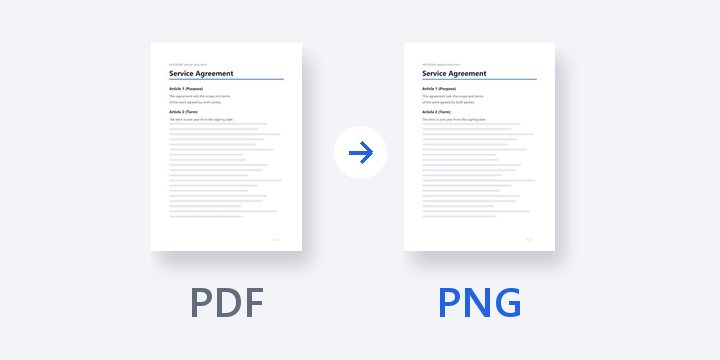
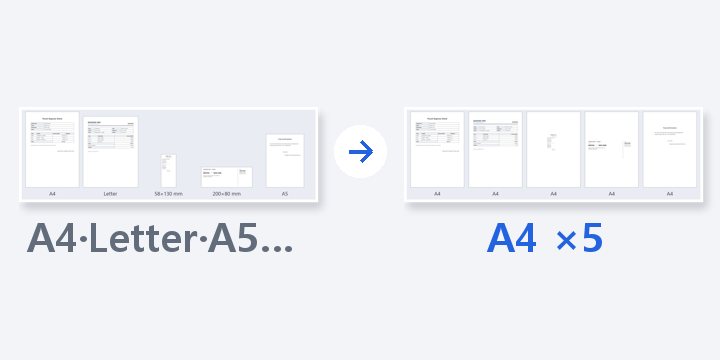
Open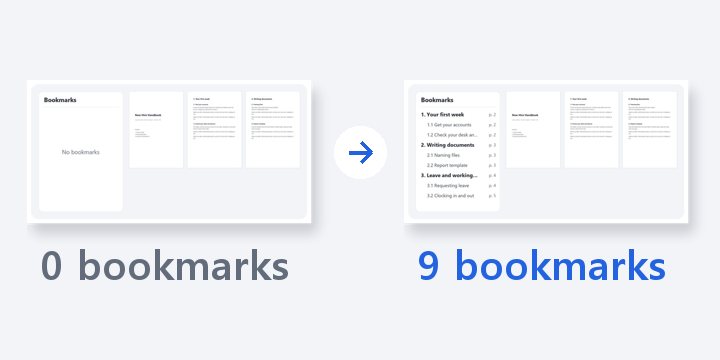 PDF
Find chapter and section headings by text size and weight and add them as bookmarks. Pages stay unchanged.
Open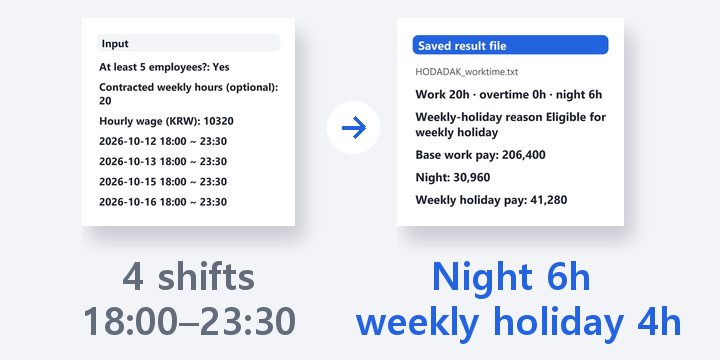
Split clock-in and clock-out times into overtime, night and holiday hours, plus weekly holiday pay (Korean law).
Open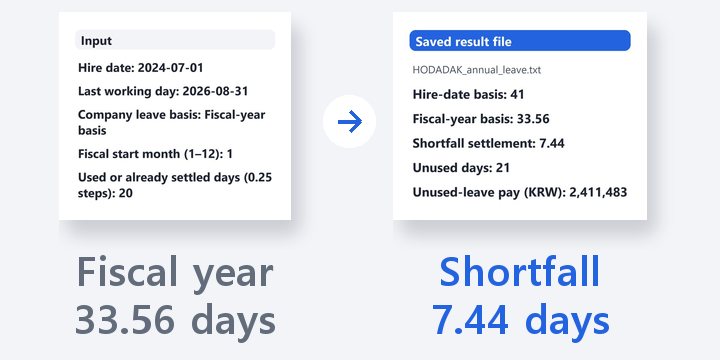
Compare annual leave by hire date and by fiscal year, and work out unused-leave pay (Korean law).
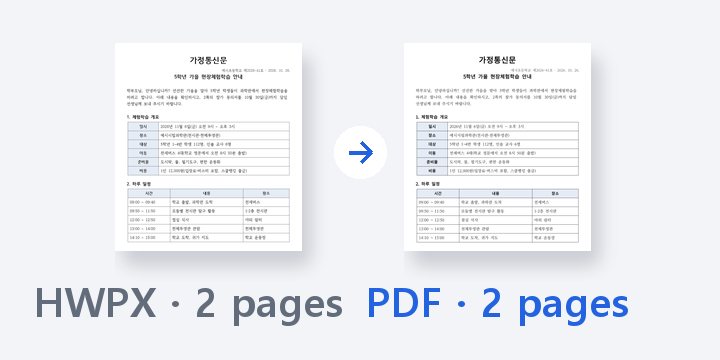
Open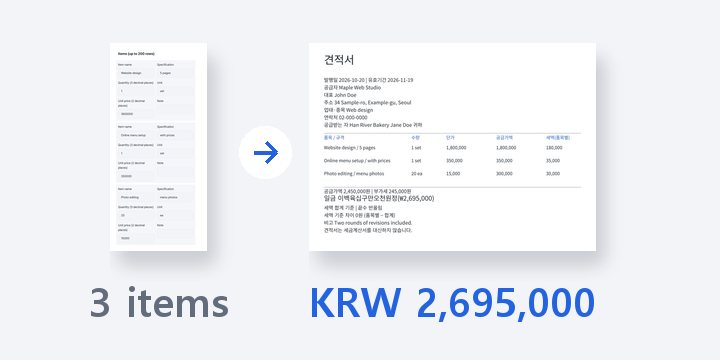 PDF
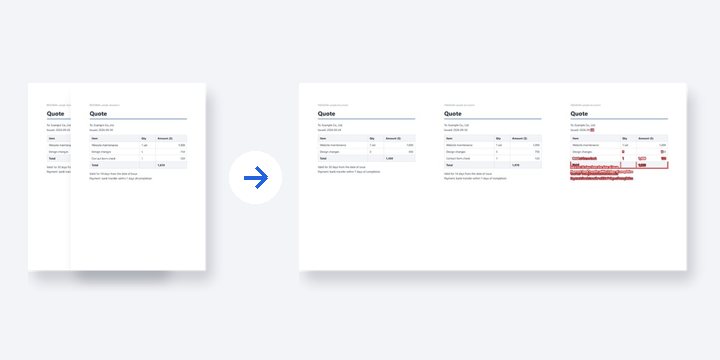
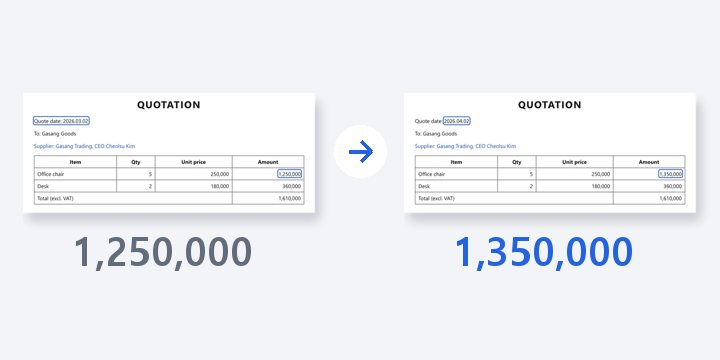
Enter items and the VAT basis, then save a Korean-style quote with the amount in words as PDF and Excel.
Open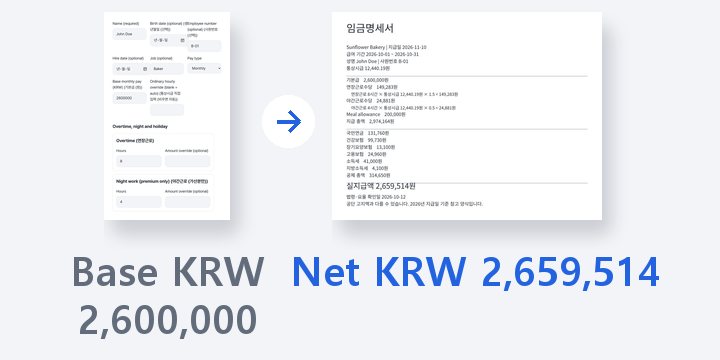 PDF
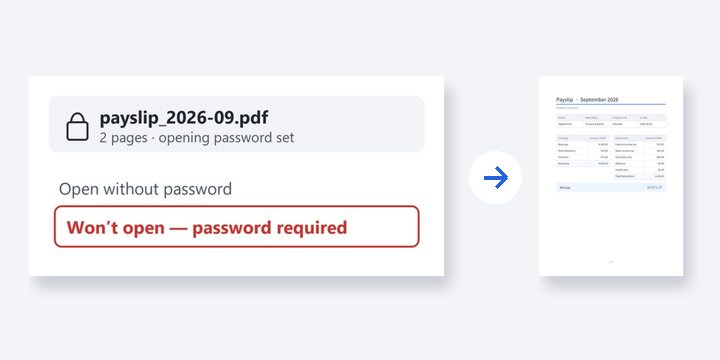
Make a payslip for each employee with the required items and calculation methods, saved as PDF (Korean format).
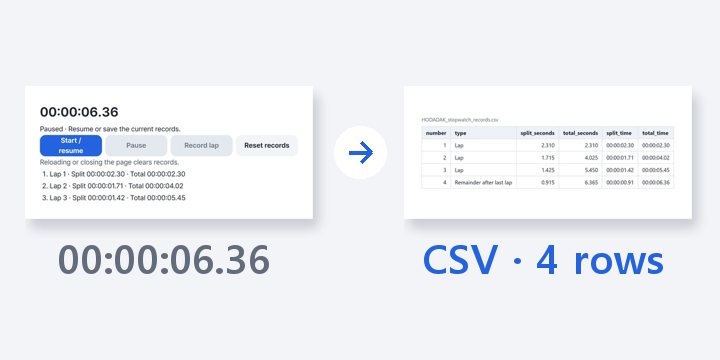
Open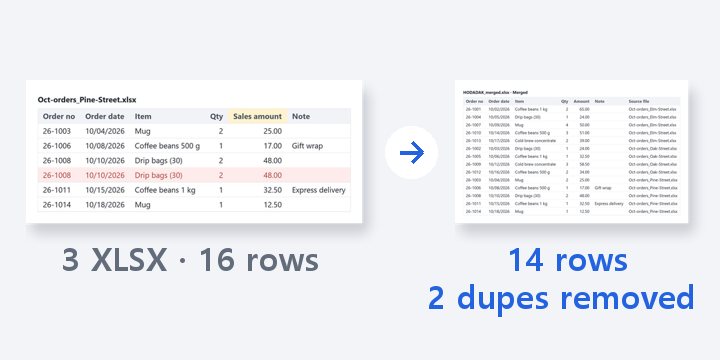 CSV
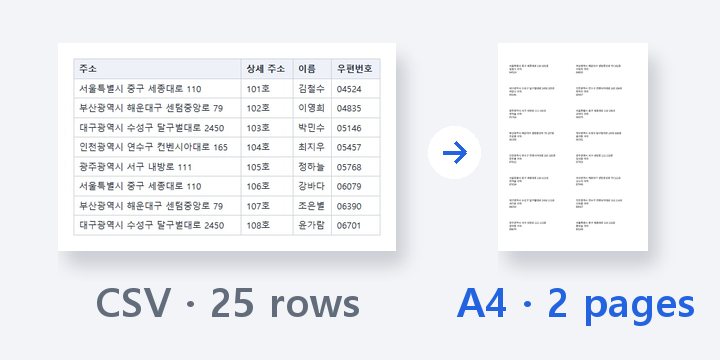
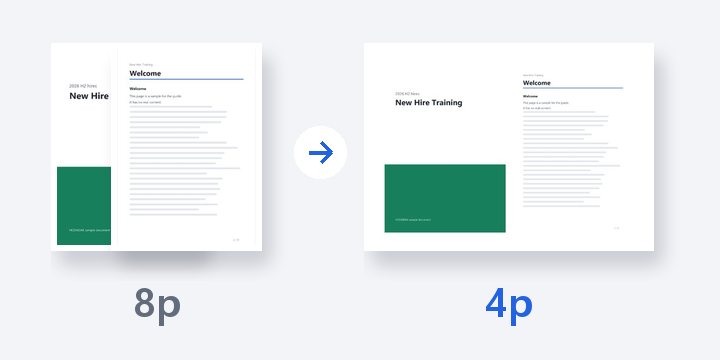
Merge sheets by header name even when columns are in a different order, then remove duplicates or split.
Open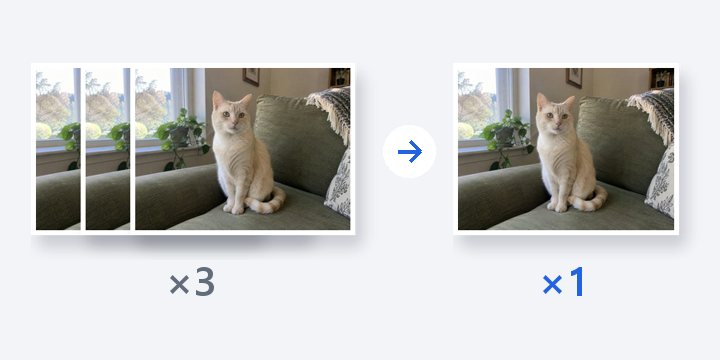 Photo
See identical files and look-alike candidates separately, then save only the originals you pick, unchanged.
Open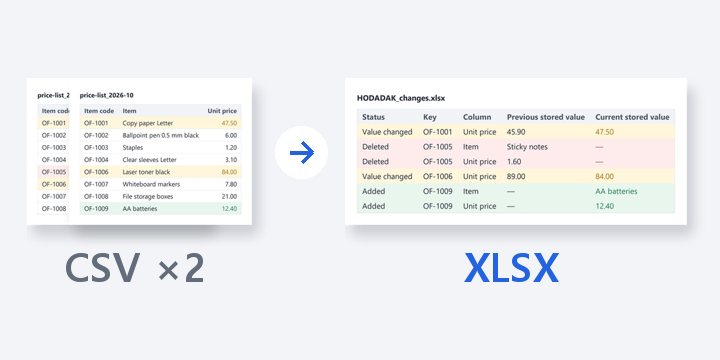 CSV
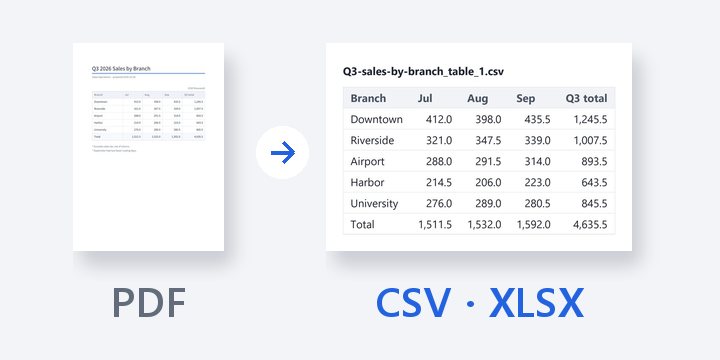
Match two versions by a key column, find added, deleted and changed rows, and get a report with cell locations.
Open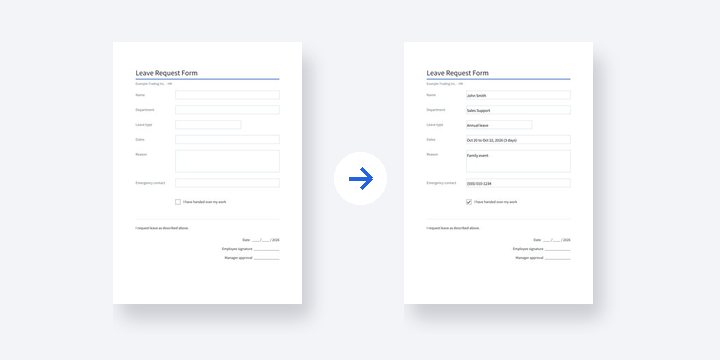 PDF
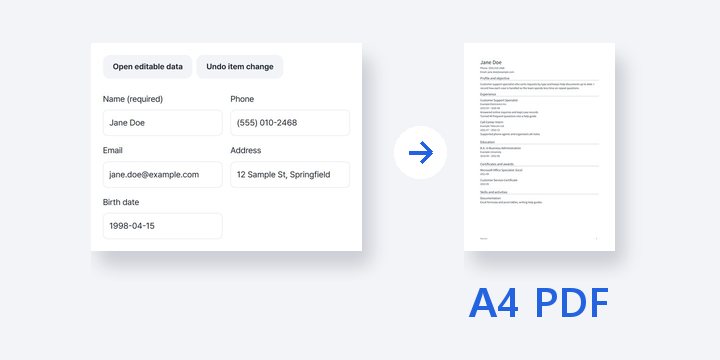
Fill the text, dropdown and checkbox fields of a PDF form and save it with the fields still editable.
OpenWHEN YOU NEED IT
No need to know the tool's name. Tap what's happening and that tool opens right away.
You hit upload and get
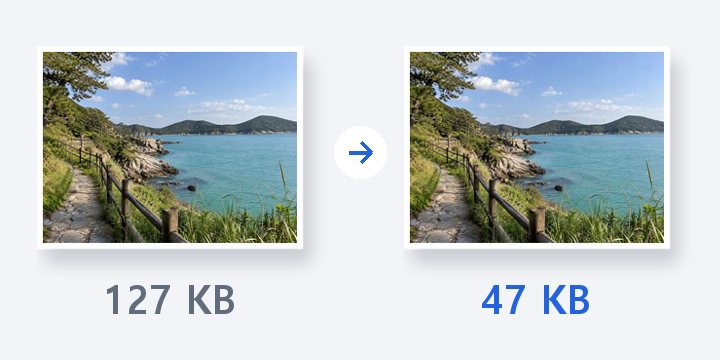
“File too large”
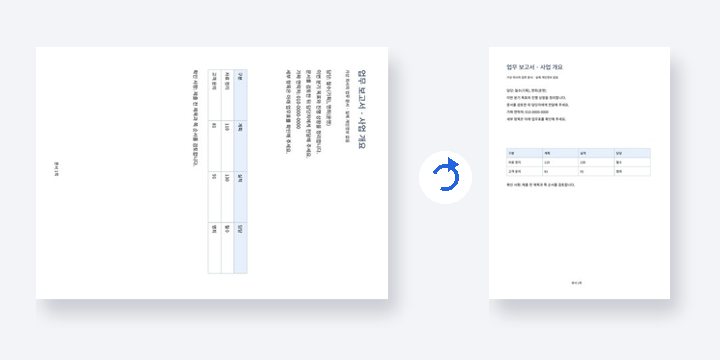
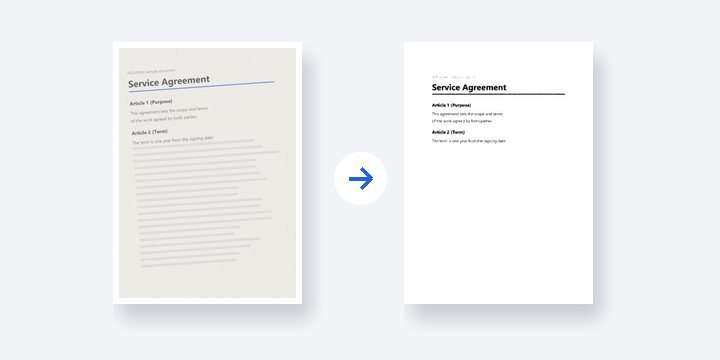
Your scanned contract is
lying on its side
You sent five files. The reply:
“Just one, please.”
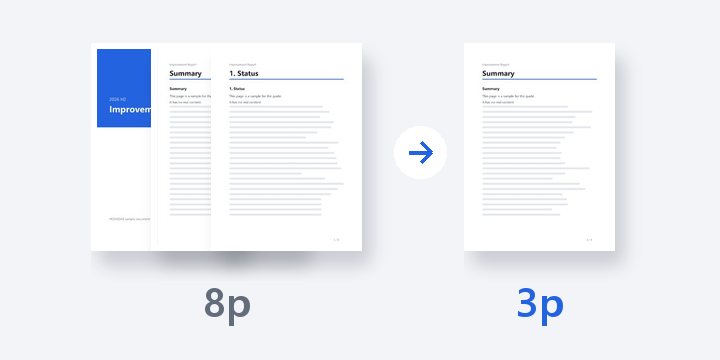
Out of 30 pages,
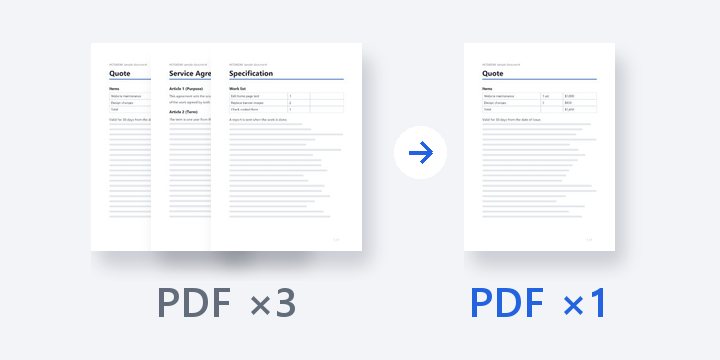
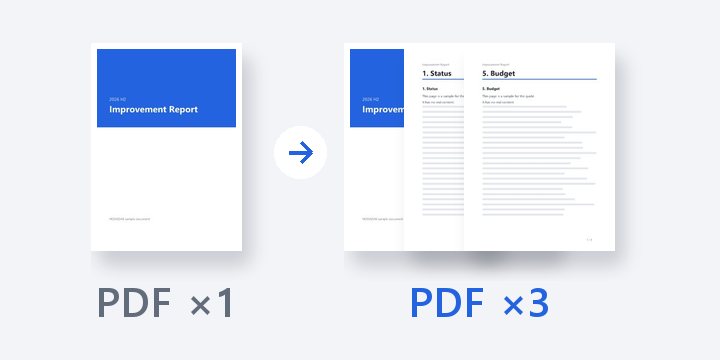
you need to send just three
Ten receipt photos,
and they want one PDF?
From that video,
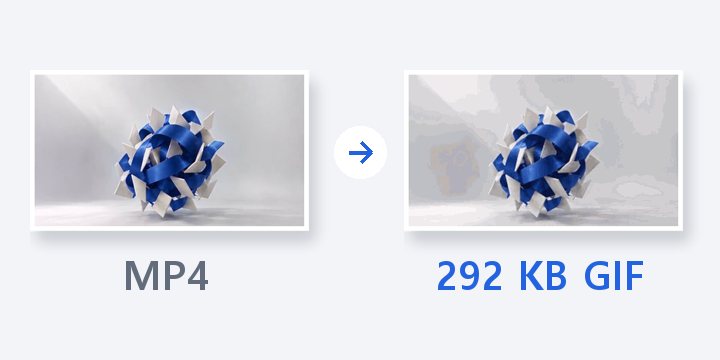
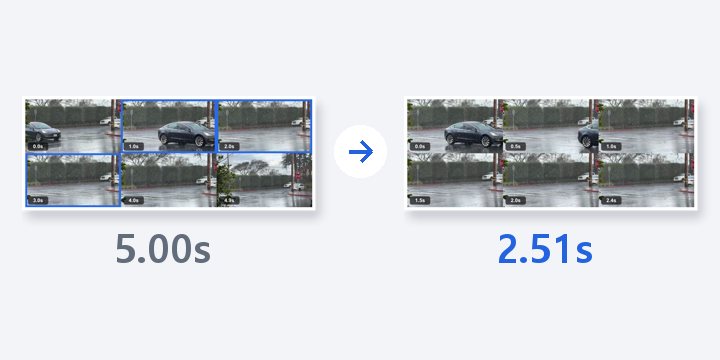
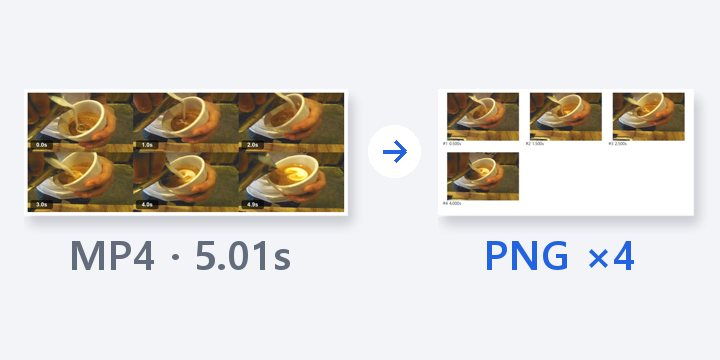
just that one moment as a GIF
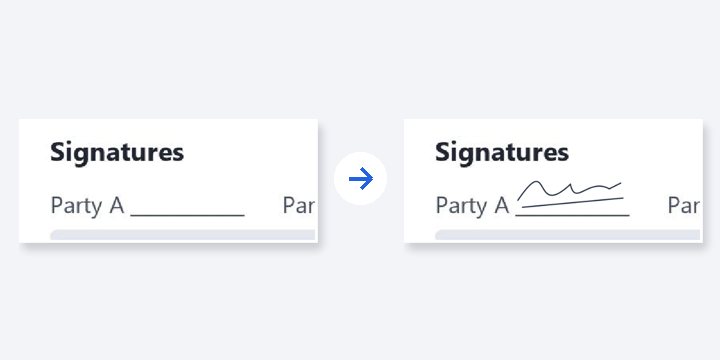
Print, sign, scan—
just for one signature?
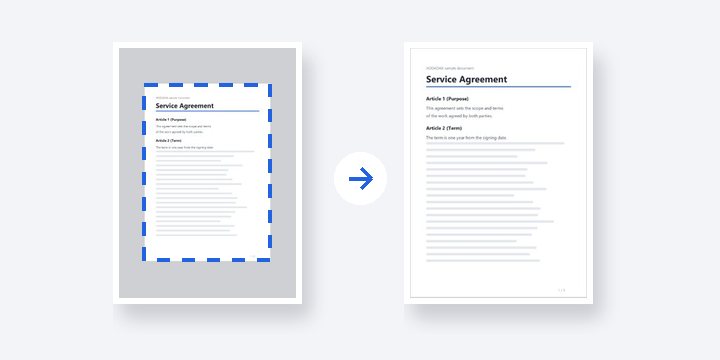
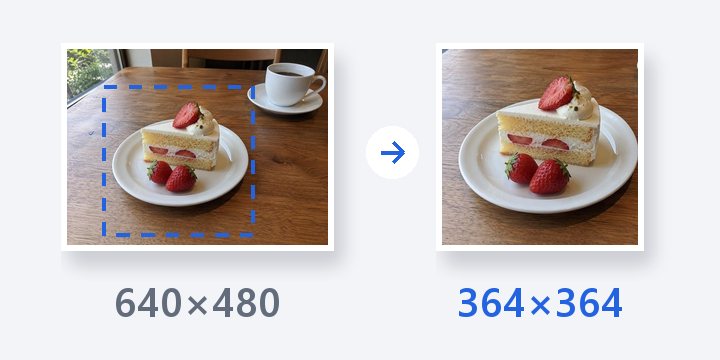
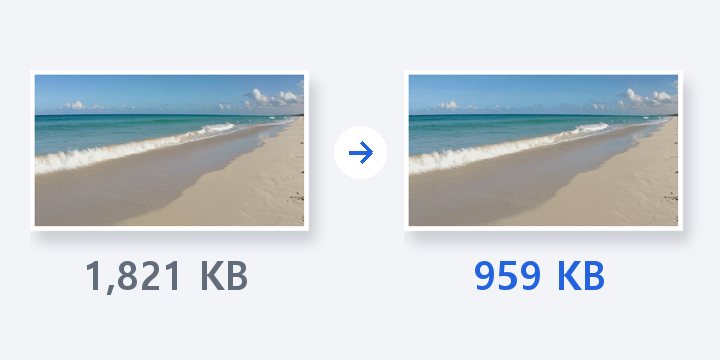
The form says your photo
“does not meet the size”
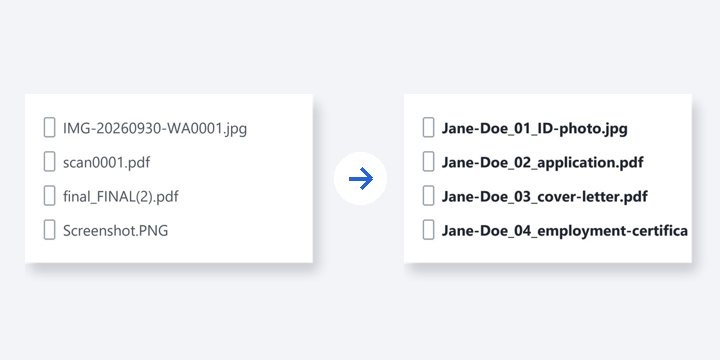
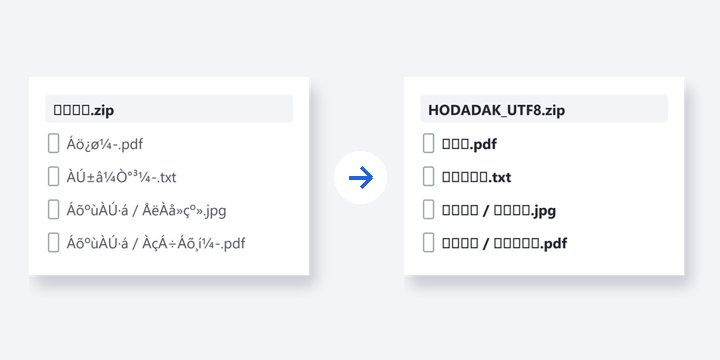
You unzip the files and
the names are gibberish
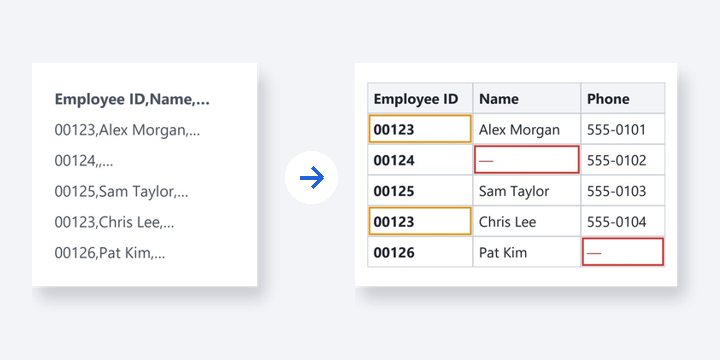
Employee ID 00123
quietly became 123
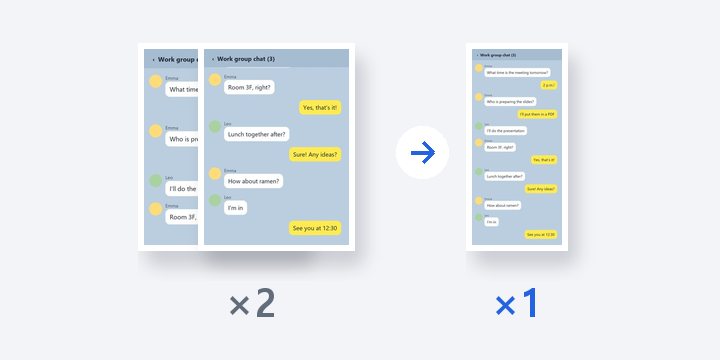
Five chat screenshots—
can it be just one?
“Just a few edits,” they said.
So what changed?
COMBOS
Some jobs take more than one tool. Do them in this order — tap a step to open that tool.
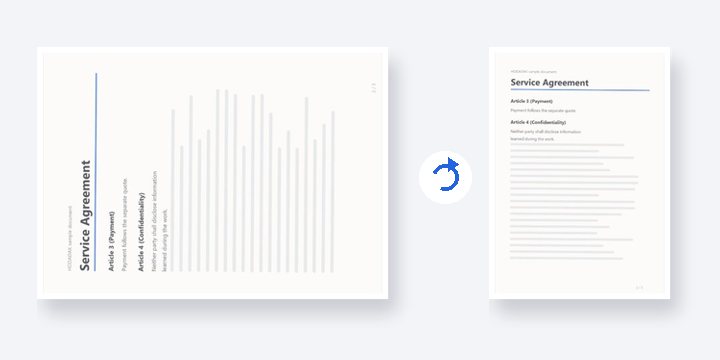
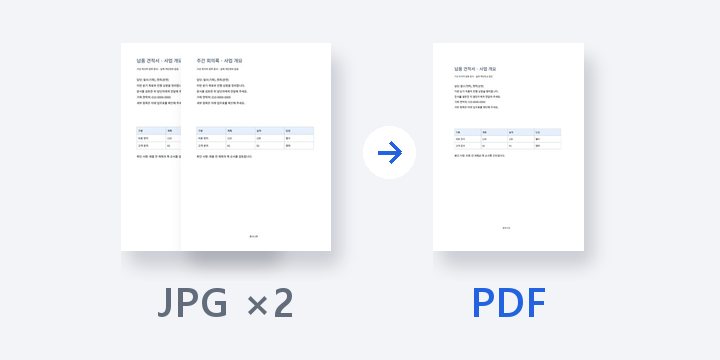
Sending several documents as one file
Submitting photos from an iPhone
Signing and sending it back
WORK TIPS
Hidden features of the apps you use every day—Excel, Windows, PowerPoint—in 30-second videos.
Videos are currently in Korean.
BRAND STORY
We take the tedious work off your plate. So the time you save becomes dinner with the people you love, and a step toward the dream you put off. So that small changes add up, and everyone's day gets a little warmer.
FAQ
Yes. Every tool released so far is free to use. To keep it free, ads may appear on information pages such as the home page, tool list and guides. Tool screens where files are processed have no third-party ads; they may show information about HODADAK’s own custom development service.
All tools released so far process your files in this device's browser and never upload them to a server — nothing uploaded, nothing to delete. Each tool includes its own details.
No. Just open the page and start.
Tell us below. We review the most requested tools first, and we also offer custom builds for companies and individuals.
Tool ideas, bug reports — send anything by email. Each button opens a pre-filled email.
Custom tools for your businessHow we work and what we build (Korean)Popular suggestions
contact.kr@hodadak.com