
CROP IMAGES
You only need this part.
Snip the rest.
Drag to choose what to keep in each photo, and it’s cut out at the original pixels. You can also set the exact position in pixels.
- No install
- No sign-up
- Files stay on this device

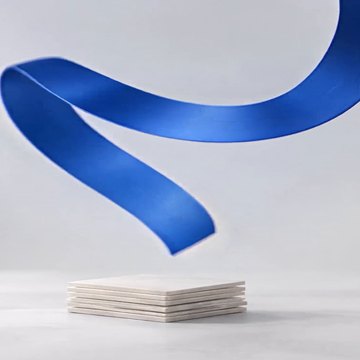
BEFORE → AFTER
A wide photo, cropped to a square
We chose the 1:1 ratio and entered 700 in “Left (px).” From the 2400×1350 photo, only a 1250×1250 square remained.
Actual result of processing a HODADAK sample photo (a wide photo, for illustration) with Crop images v0.1.1.
HOW TO
Three steps and done
Add your photos
Still JPEG or PNG, up to 8. Your originals stay untouched.
Choose what to keep
Drag over the preview to draw the area. Ratios: Free, 1:1, 4:3, 16:9, 3:4. For exact values, enter Left, Top, Width and Height in px.
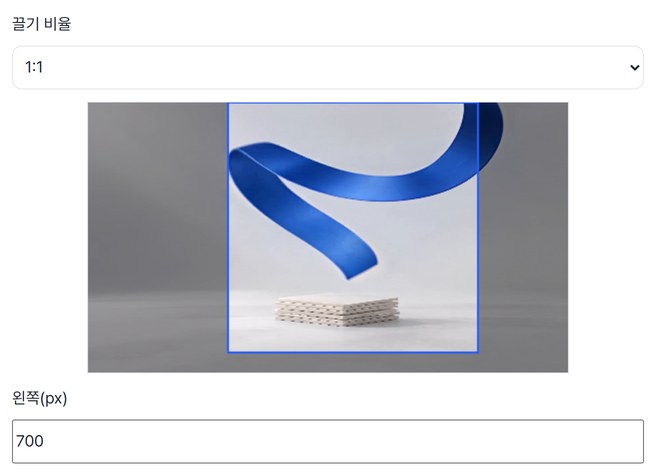
Check and save
Look over the crop, then save as PNG. Several photos come as one ZIP.
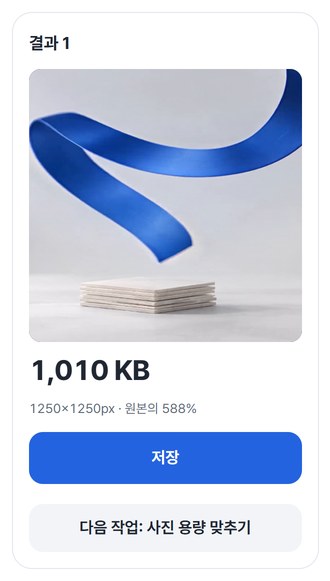
WHEN
Perfect for
- A square for a profile picture or thumbnail
Pick 1:1 and move it where you want.
- Sending only part of a screenshot
Drop the status bars and side menus, keep the content.
- Several photos, each cropped differently
Set an area per photo, then save them all at once.
GOOD TO KNOW
Good to know
- Photos you can add: still JPEG · PNG, up to 8, 20MB · 24MP each, 80MB · 60MP in total.
- The part you keep is never scaled up or down. This isn’t a tool for resizing a photo’s dimensions.
- Ratios apply when you drag or pick a ratio. Numbers you type ignore the ratio and are used as entered.
- Saved as PNG, with EXIF (shooting details and so on) removed.
- Press Try a sample to try it without your own file. The Continue button on a result card carries on in another tool without adding the file again.
FAQ
Frequently asked questions
Where do my files get uploaded?
Nowhere. Everything is processed inside this device's browser, and closing the window clears both the files and the results.
Does cropping lower the quality?
The part you keep isn’t scaled; it’s cut out at the original pixels. Results are saved as PNG, though, so if the original was a JPG, the file size may differ from it.
Which devices has it been checked on?
We confirmed it in Edge and WebKit (the engine behind Safari) on Windows. Phones were tested by simulating a phone screen on a PC; checks on real Mac, iPhone and Android devices are still to come.
NEXT
Handy next steps
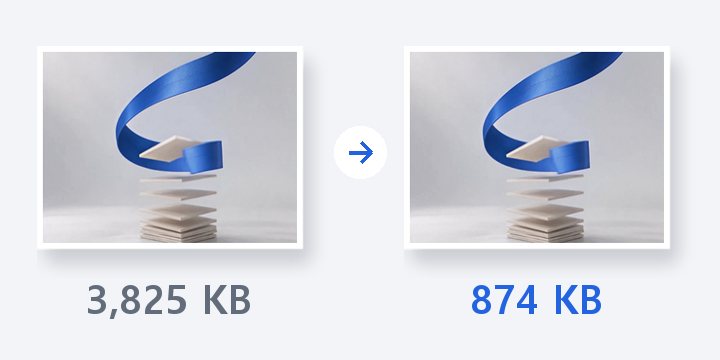
Drag, check, save the crop.
No install, no sign-up. Right now.