Contact
Language: English

PROGRAMS

Pick a tool and start right away

New tools and features are added steadily.
Can't find the tool you need?

Tell us what's tedious, and we'll consider it for our next tool.

Request a tool
PDF

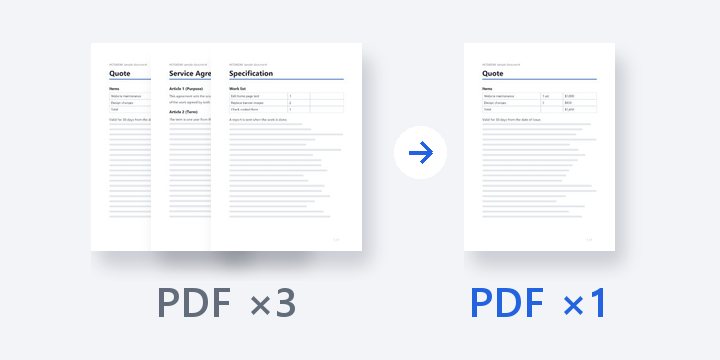
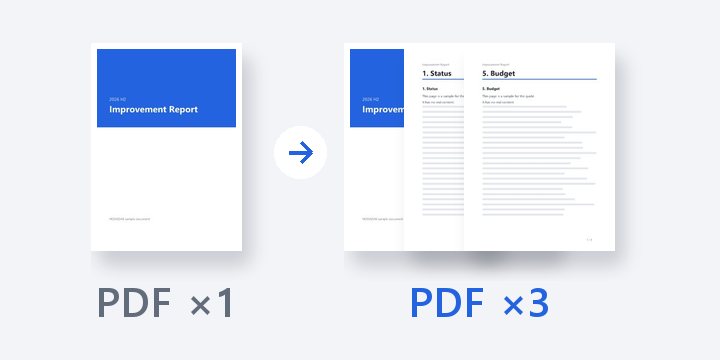
Merge PDF

Pick pages from several PDFs and merge them in your order.

Before → After

How it works

  1. 1Add all PDFs and set the order first
  2. 2Keep only the pages you need
  3. 3Merge and save
PDF

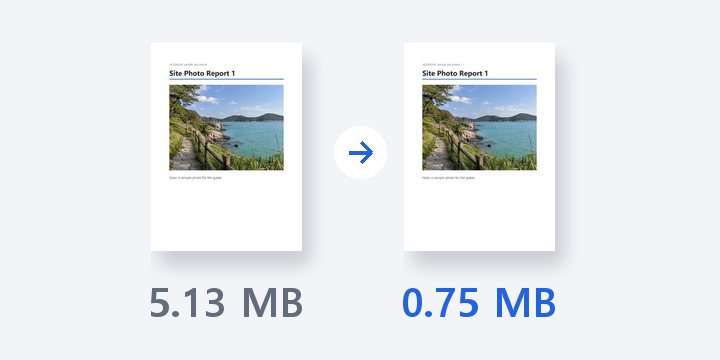
Compress PDF

Shrink a PDF to fit the size you set in MB.

Before → After

How it works

  1. 1Add your PDF
  2. 2Enter the target in MB
  3. 3Check and save
PDF

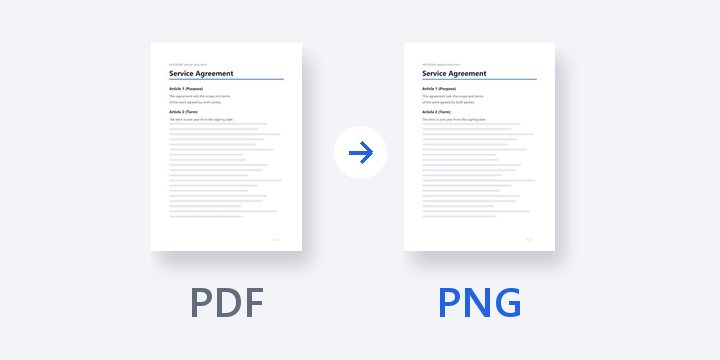
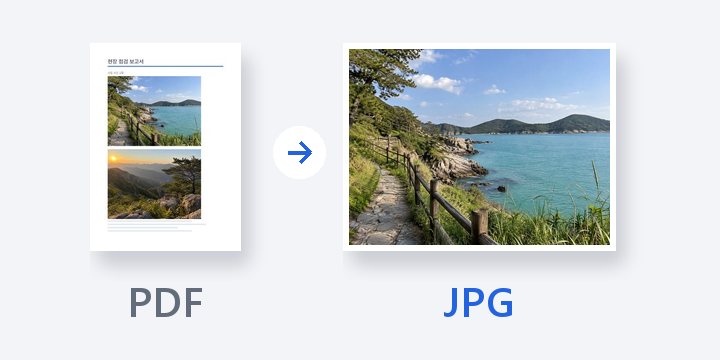
PDF to images

Save the pages you need as PNG or JPG images.

Before → After

How it works

  1. 1Add your PDF
  2. 2Choose format and resolution
  3. 3Check and save
PDF

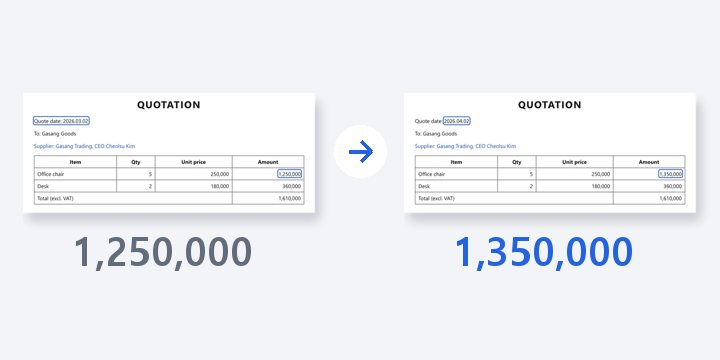
Edit PDF text

Fix dates, amounts and typos within one line. The old text is removed from the file.

Before → After

How it works

  1. 1Open the PDF and click the text to fix
  2. 2Check the changes in the list
  3. 3Create the edited PDF and save it
PDF

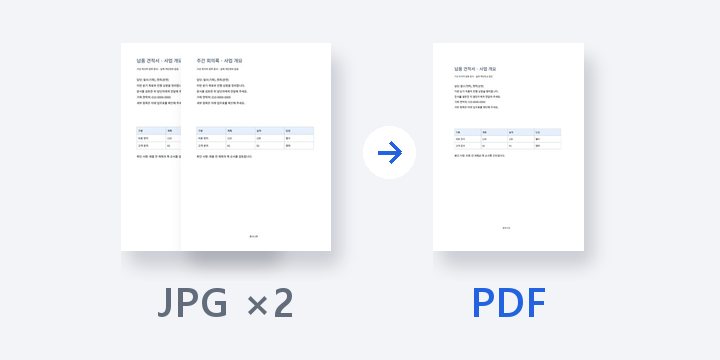
Images to PDF

Put several images into one PDF with the paper and order you want.

Before → After

How it works

  1. 1Add photos and set the order
  2. 2Choose paper and layout
  3. 3Check and save
PDF

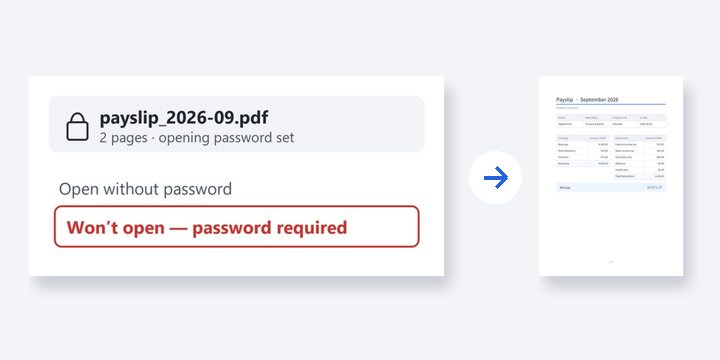
Unlock PDF

Remove the opening password from your own PDF with the password you know.

Before → After

How it works

  1. 1Add the PDF and enter its current password
  2. 2“Unlock and check”
  3. 3The saved PDF opens without a password
PDF

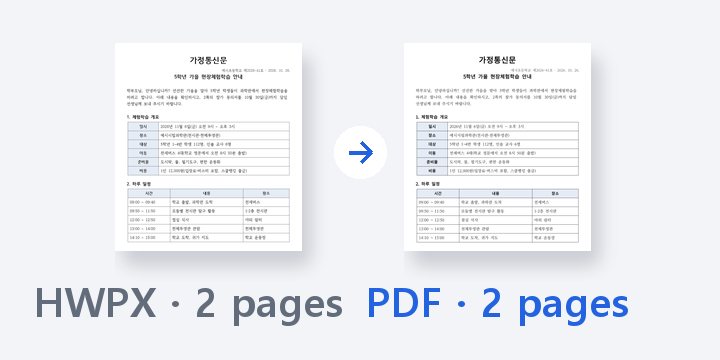
HWP to PDF

Convert HWP and HWPX documents into PDFs with selectable, searchable text.

Before → After

How it works

  1. 1Choose the HWP file
  2. 2Press “Create PDF”
  3. 3Page through it and save
PDF

Split PDF

Split by page count, ranges, odd/even or file size.

Before → After

How it works

  1. 1Add your PDF
  2. 2Choose a split method
  3. 3Check and save at once
PDF

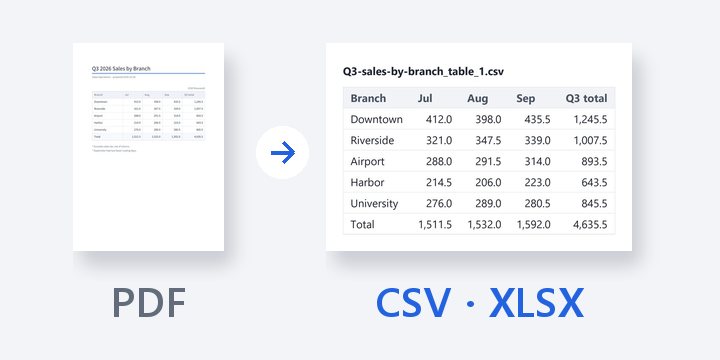
Simple PDF tables

Mark a table in a text PDF by area and columns, check it, and save CSV and XLSX.

Before → After

How it works

  1. 1Select the table area
  2. 2Add column boundaries and compare
  3. 3“Create reviewed table files,” then save
PDF

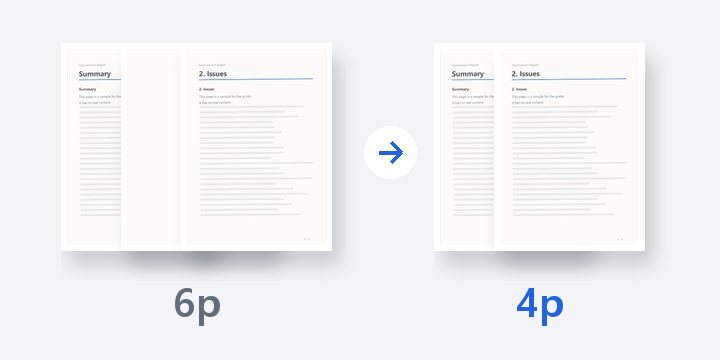
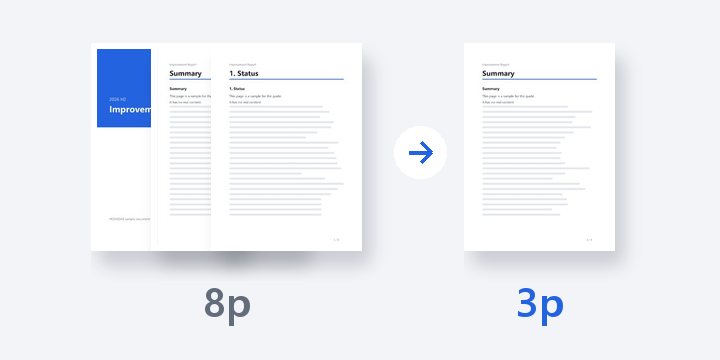
Remove PDF pages

Pick unwanted pages by thumbnail and drop them.

Before → After

How it works

  1. 1Add your PDF
  2. 2Tap the pages to remove
  3. 3Preview and save
PDF

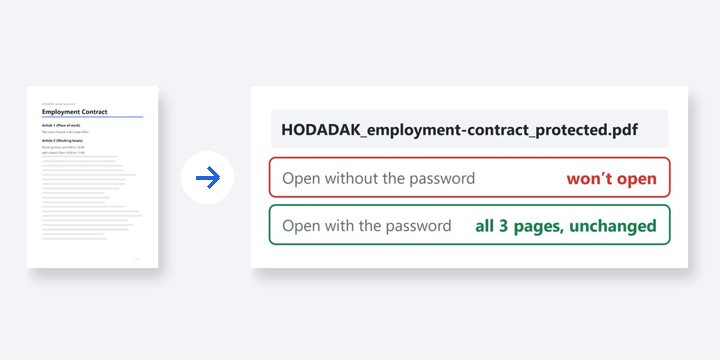
Protect PDF

Add an opening password to a PDF.

Before → After

How it works

  1. 1Pick PDFs, type the password twice
  2. 2“Protect and check”
  3. 3Save, and keep the password safe
PDF

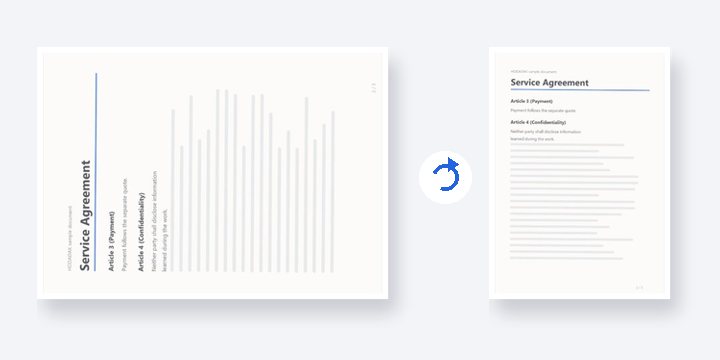
Rotate PDF

Turn just the sideways pages upright.

Before → After

How it works

  1. 1Add your PDF
  2. 2Press the button under the page
  3. 3Preview and save
PDF

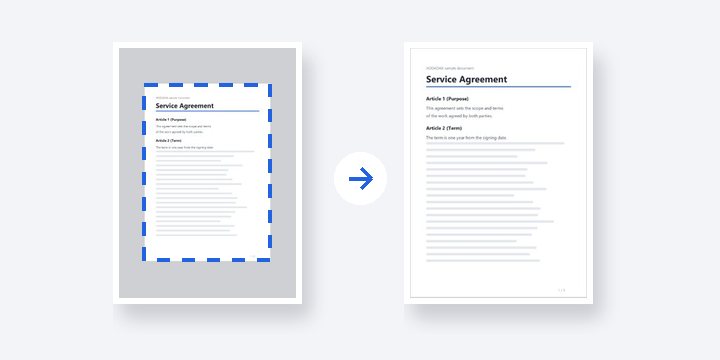
Crop PDF

Drag the area to keep, or set margins in mm.

Before → After

How it works

  1. 1Add your PDF
  2. 2Drag the area or type mm
  3. 3Check and save
PDF

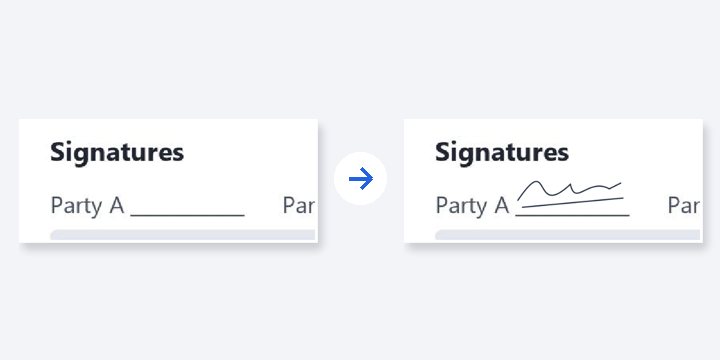
PDF handwritten signature

Skip print-sign-scan: draw your signature and place it on the pages you need.

Before → After

How it works

  1. 1Pick the pages to sign
  2. 2Draw your signature
  3. 3Place it and create
PDF

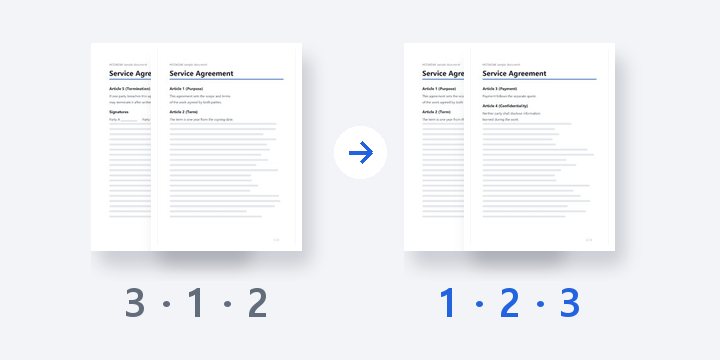
Reorder PDF pages

Drag page thumbnails into the order you want.

Before → After

How it works

  1. 1Add your PDF
  2. 2Change the order
  3. 3Preview and save
PDF

Extract PDF pages

Pick the pages you need by thumbnail into a new PDF.

Before → After

How it works

  1. 1Add your PDF
  2. 2Tap the pages to keep
  3. 3Preview and save
PDF

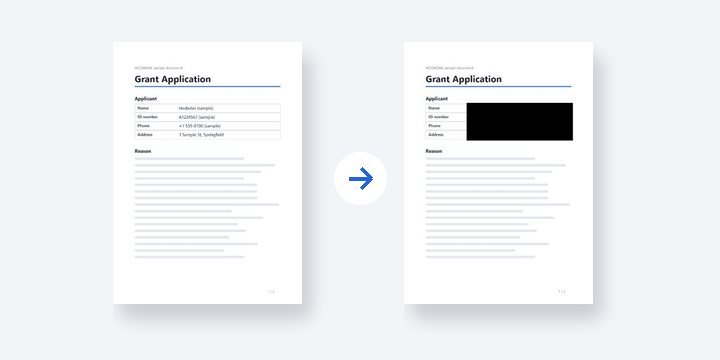
Permanently redact PDF

Black out areas and remove the hidden text from the file for good.

Before → After

How it works

  1. 1Add your PDF
  2. 2Mark areas and confirm
  3. 3Review every page, then save
PDF

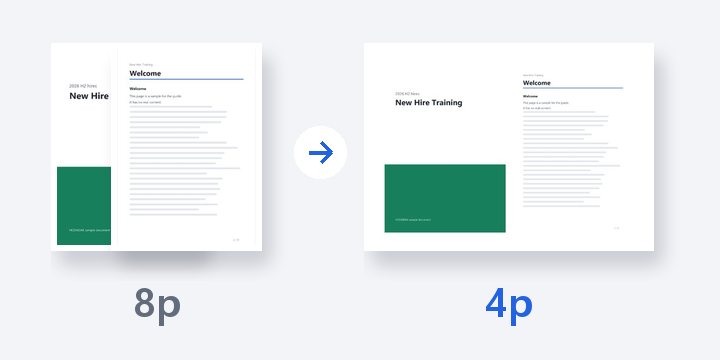
PDF n-up and booklet

Put 2 or 4 pages on one A4 sheet, or make a fold-ready booklet.

Before → After

How it works

  1. 1Add your PDF
  2. 2Choose a layout
  3. 3Preview and save
PDF

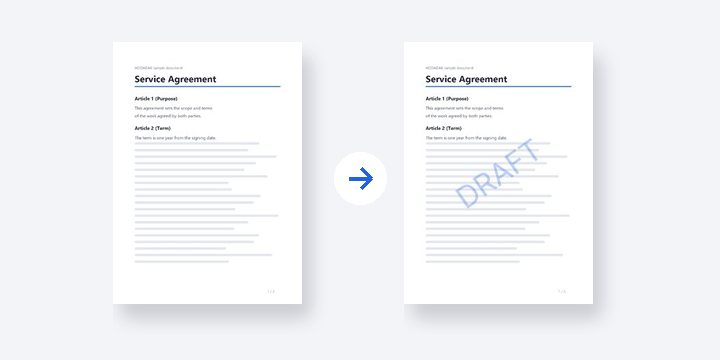
PDF watermark

Add see-through text like “Draft” or a logo.

Before → After

How it works

  1. 1Add your PDF
  2. 2Set text or logo and its look
  3. 3Check and save
PDF

Extract PDF images

Pull the photos out of a PDF at their original size.

Before → After

How it works

  1. 1Add your PDF
  2. 2Check the image list
  3. 3Extract and save
PDF

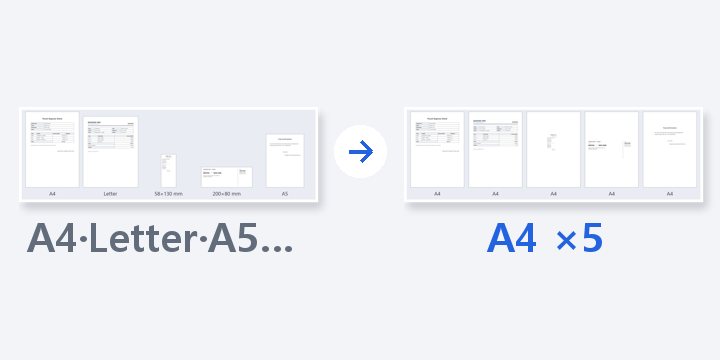
PDF page size

Fit PDF pages of mixed sizes to one paper size while keeping text and images.

Before → After

How it works

  1. 1Open the PDF and see each page’s size
  2. 2Set the paper and orientation
  3. 3Create the PDF, check it, then save
PDF

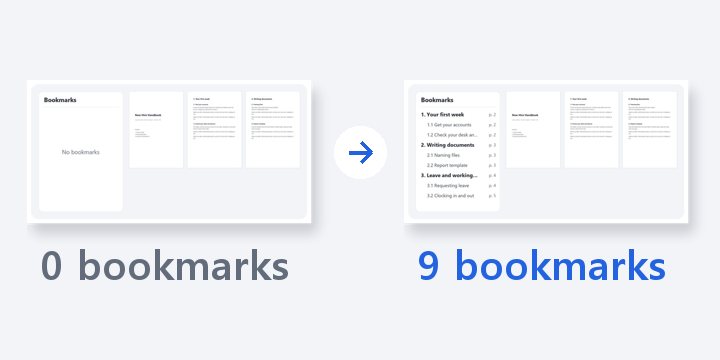
PDF Bookmarks

Find chapter and section headings by text size and weight and add them as bookmarks. Pages stay unchanged.
Before → After

How it works

  1. 1Choose a PDF
  2. 2Check the suggestions
  3. 3Make and save
PDF

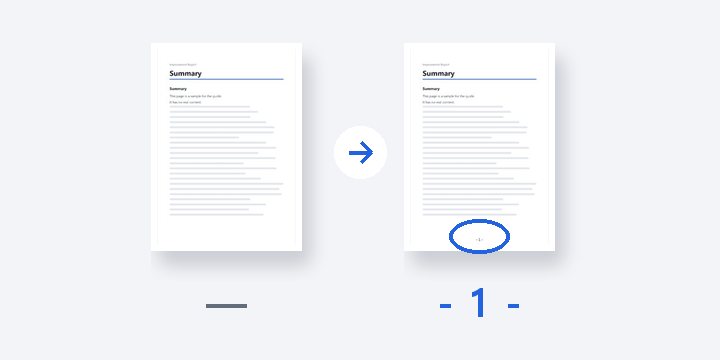
PDF page numbers

Add page numbers where and how you want, skipping the cover.

Before → After

How it works

  1. 1Add your PDF
  2. 2Choose position, format and size
  3. 3Check and save
PDF

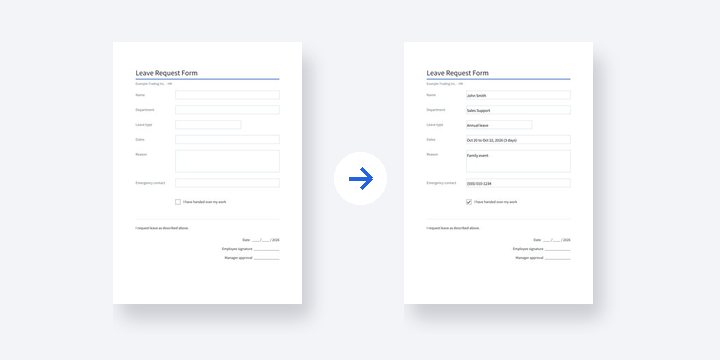
Fill PDF forms

Fill the text, dropdown and checkbox fields of a PDF form and save it with the fields still editable.

Before → After

How it works

  1. 1Add the PDF form
  2. 2Fill the fields
  3. 3“Preview filled PDF,” then save
PDF

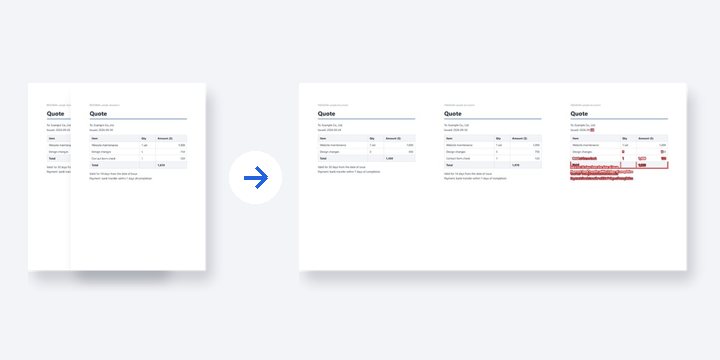
Compare PDF changes

Find changed text, numbers and pages between two PDFs.

Before → After

How it works

  1. 1Add the old and new versions
  2. 2Set how to compare
  3. 3Review the changes
PDF

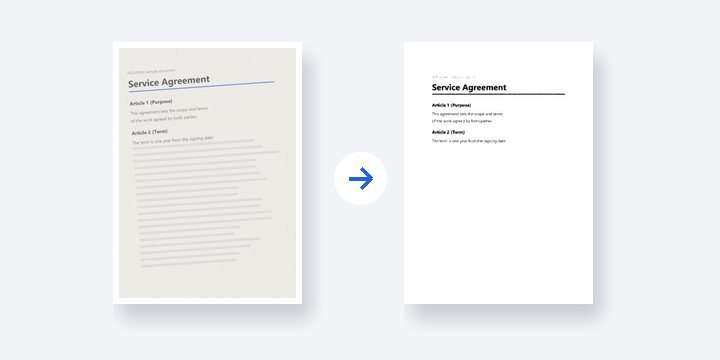
Clean scanned PDF

Straighten tilted scans and clean faint backgrounds in grayscale or black and white.

Before → After

How it works

  1. 1Add the scan and pick pages
  2. 2Set angle and color, then preview
  3. 3Confirm and save

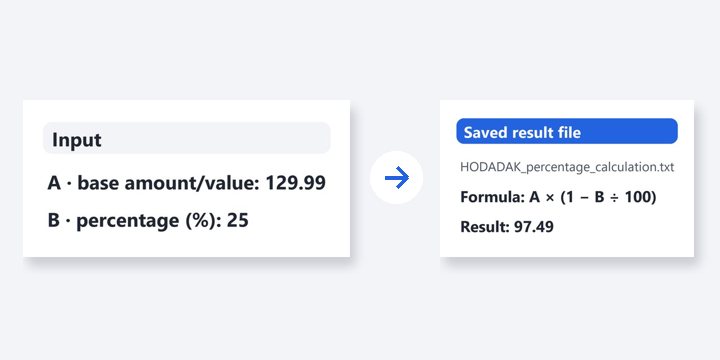
Percentage calculator

Calculate decimal inputs and keep the formula and rounding rules with the result.

Before → After

How it works

  1. 1Pick a calculation and enter values
  2. 2Check the formula and the result
  3. 3Copy it or save it as TXT

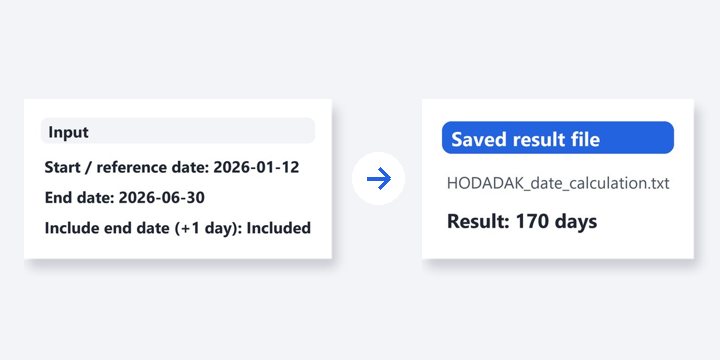
Date calculator

Count days or add and subtract days. Save the result with its calculation rules.

Before → After

How it works

  1. 1Pick a method and enter dates
  2. 2Check the rules and the result together
  3. 3Copy it or save it as TXT

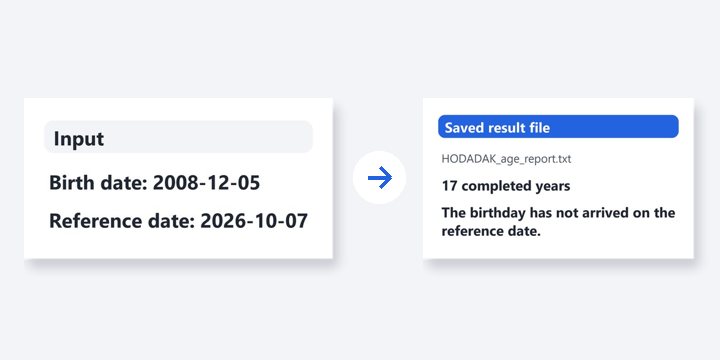
Age calculator

See whether the birthday has passed and which leap-day rule is used.

Before → After

How it works

  1. 1Enter the birth date and reference date
  2. 2Check the age and the rules
  3. 3Copy it or save it as TXT

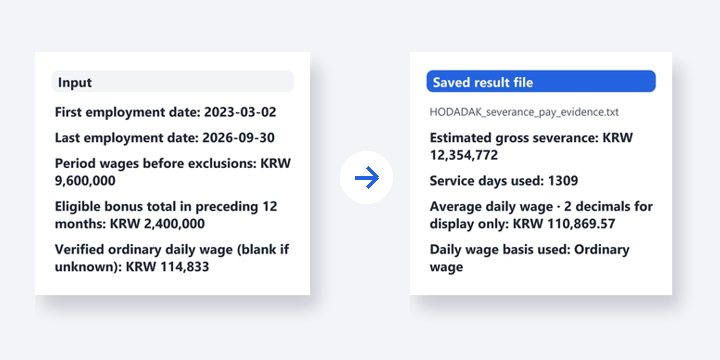
Severance calculator

Check a gross estimate, periods and exclusions, then save inputs and evidence. General Korean severance / DB formula.

Before → After

How it works

  1. 1Enter the period and conditions
  2. 2Enter wages for each period
  3. 3Check the working and save

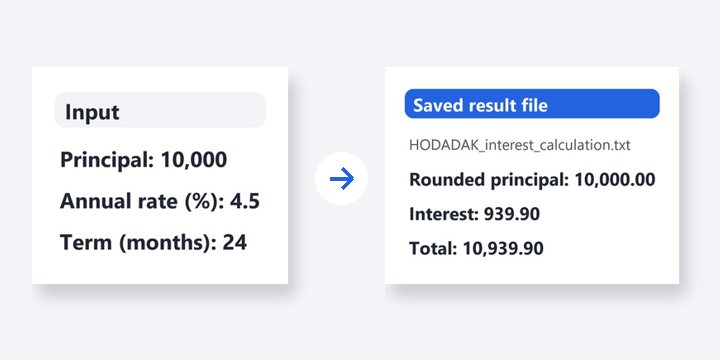
Interest calculator

Review after-tax deposit and monthly-saving estimates, or precise simple and compound calculations.

Before → After

How it works

  1. 1Pick a method and enter the amounts
  2. 2Check the interest and total
  3. 3Copy it or save it as TXT

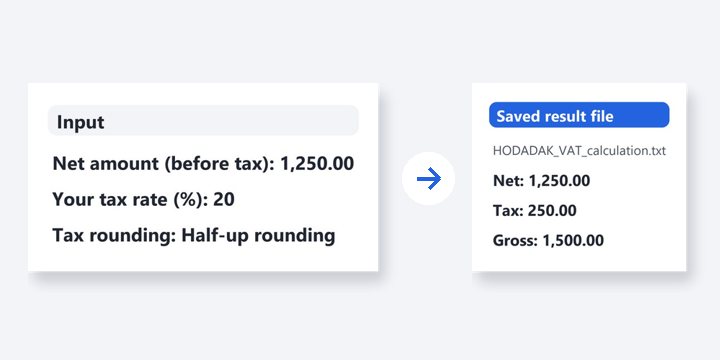
VAT amount calculator

Add or remove tax and save the amounts with the calculation rules.

Before → After

How it works

  1. 1Pick a method and enter the amount
  2. 2Check net, tax and gross
  3. 3Copy it or save it as TXT

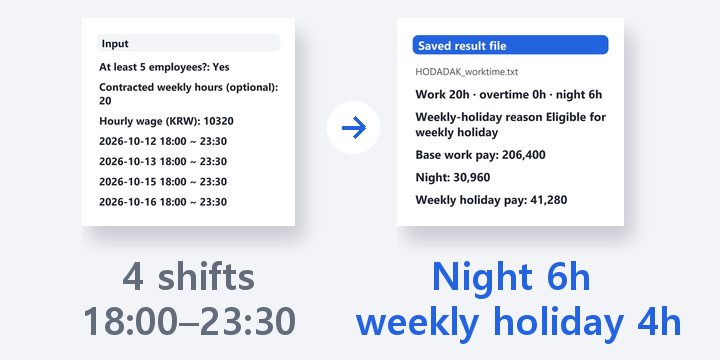
Worktime calculator

Split clock-in and clock-out times into overtime, night and holiday hours, plus weekly holiday pay (Korean law).

Before → After

How it works

  1. 1Enter the conditions and wage
  2. 2Enter each day’s times and break
  3. 3Check the result and save

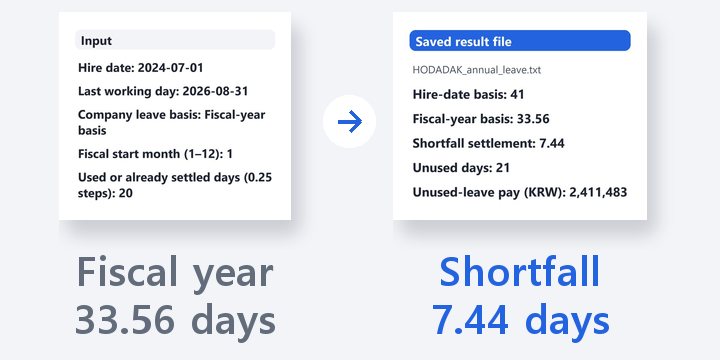
Annual leave calculator

Compare annual leave by hire date and by fiscal year, and work out unused-leave pay (Korean law).

Before → After

How it works

  1. 1Enter the dates and company basis
  2. 2Enter the wage for leave pay
  3. 3Check the comparison and save

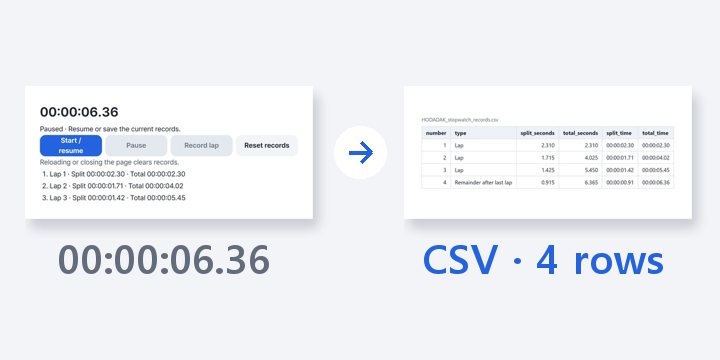
Timer & Stopwatch

Timer, stopwatch and alarm in one place. Save stopwatch laps as CSV.

Before → After

How it works

  1. 1Timer: set a time and start
  2. 2Stopwatch: record laps
  3. 3Review and save as CSV

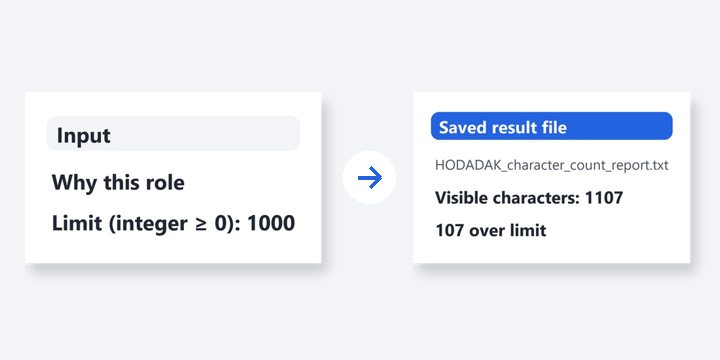
Character count

Check each answer’s limit with four distinct counting rules.

Before → After

How it works

  1. 1Add the answer and its text
  2. 2Check all four counts and the overflow
  3. 3Copy it or save it as TXT
PDF

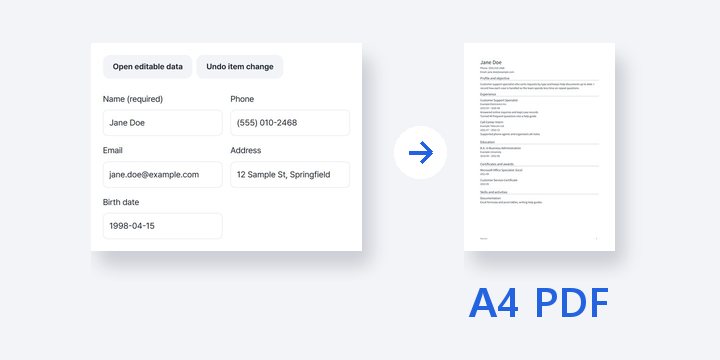
Resume builder

Turn what you type into an A4 PDF resume and save editable data to continue later.

Before → After

How it works

  1. 1Enter your name and basics
  2. 2Add experience, education and certificates
  3. 3Save the PDF and the editable JSON
PDF

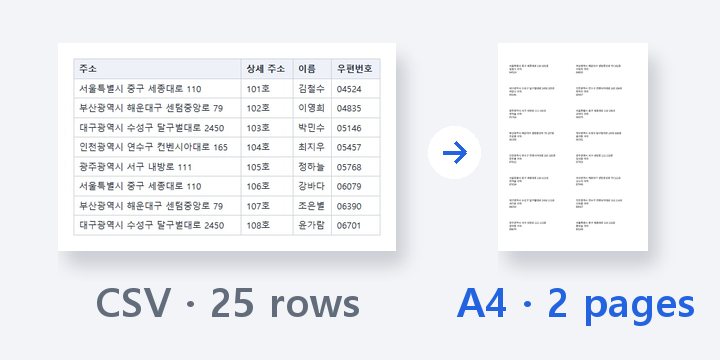
Label Print

Fit an address list to your label sheet as a print-ready PDF.

Before → After

How it works

  1. 1Choose the sheet
  2. 2Add the list
  3. 3Make the PDF and save
Photo

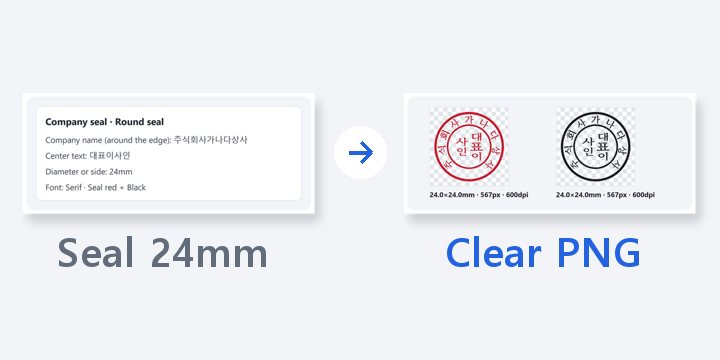
Seal and signature

Make a name seal, company seal or handwritten signature as a transparent 600 dpi PNG.

Before → After

How it works

  1. 1Choose what to make and type the text
  2. 2Choose the font and color
  3. 3Save as PNG
PDF

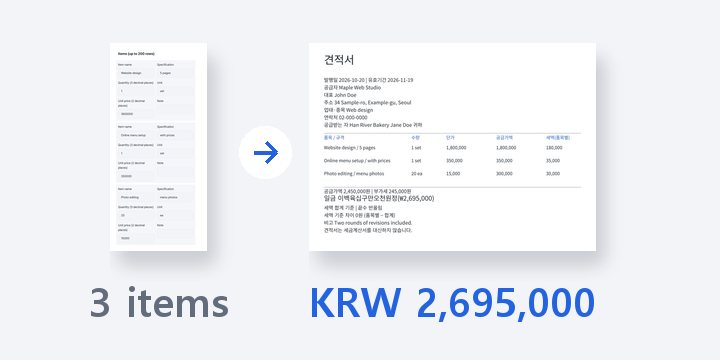
Quote maker

Enter items and the VAT basis, then save a Korean-style quote with the amount in words as PDF and Excel.

Before → After

How it works

  1. 1Enter both parties and the dates
  2. 2Add items and choose the calculation rules
  3. 3Review and save the three files
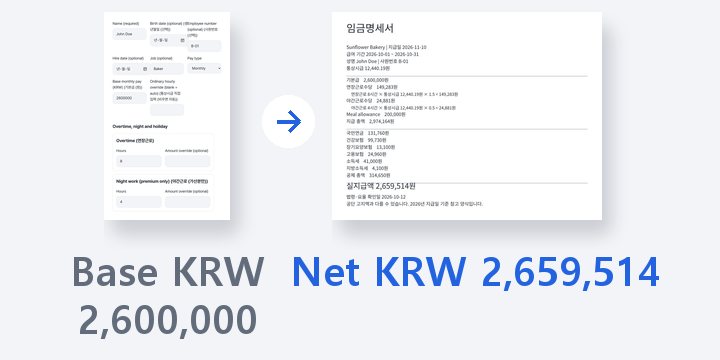
PDF

Payslip maker

Make a payslip for each employee with the required items and calculation methods, saved as PDF (Korean format).

Before → After

How it works

  1. 1Enter the company and pay period
  2. 2Enter pay and allowances for each employee
  3. 3Review the payslips and save

Ladder & wheel

Enter names once for a ladder game, spin wheel, marble draw or team picker. A cryptographic random number decides the result first.

Before → After

How it works

  1. 1Enter names
  2. 2Pick a game
  3. 3Start and keep the result
Photo

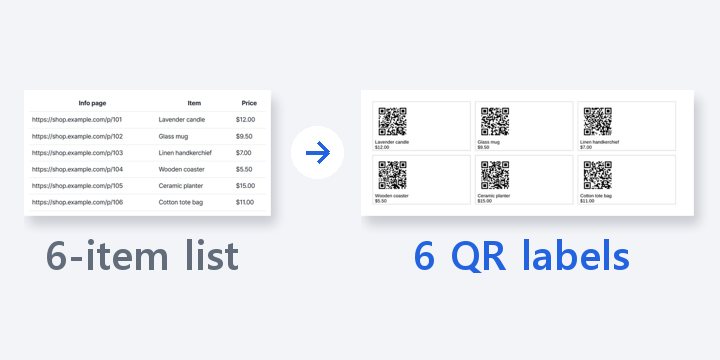
QR and barcodes

Create one QR code or barcode, or a whole list of printable name tags and stock labels.

Before → After

How it works

  1. 1Choose the list file and match the columns
  2. 2Turn on the label PDF and set the cells
  3. 3Create the codes and save the ZIP
Photo

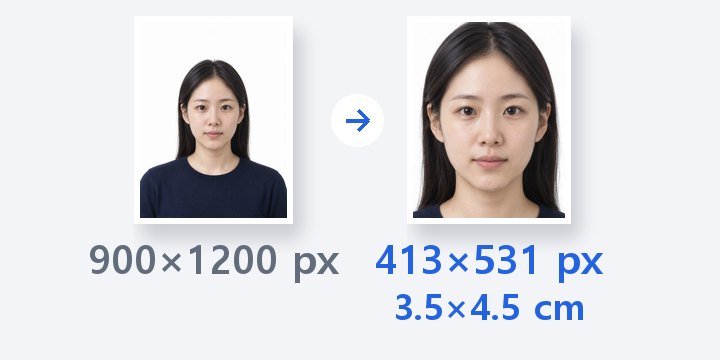
ID photo size

Fit crop, pixels and file size to the required spec.

Before → After

How it works

  1. 1Add your photos
  2. 2Pick a size and AI frames it
  3. 3Compare and save
Photo

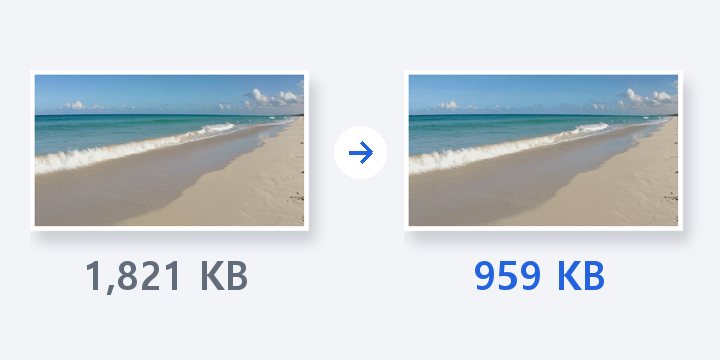
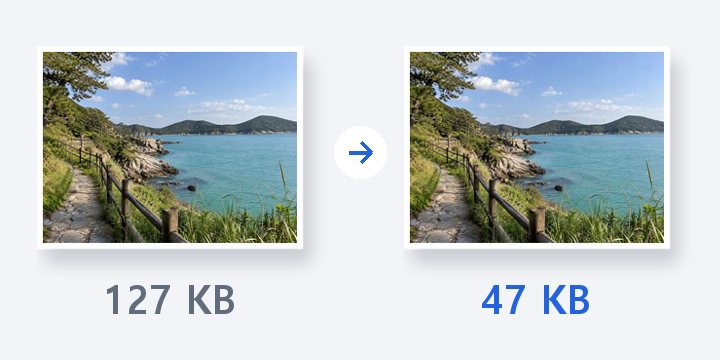
Photo size limit

Shrink several photos at once to fit an upload limit.

Before → After

How it works

  1. 1Add your photos
  2. 2Pick the size limit
  3. 3Check and save
Photo

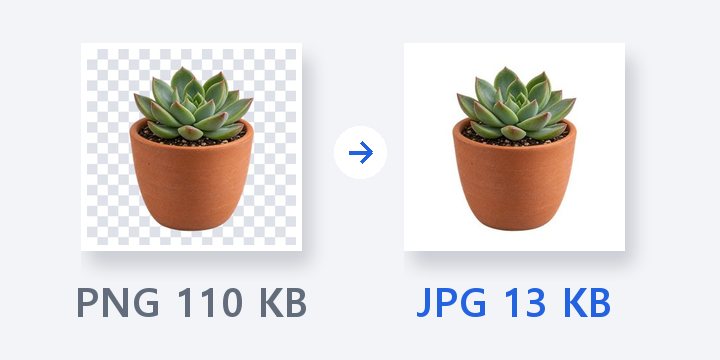
Image converter

Convert many images at once and preview how transparency is handled.

Before → After

How it works

  1. 1Add your images
  2. 2Pick format, quality and background
  3. 3Preview and save
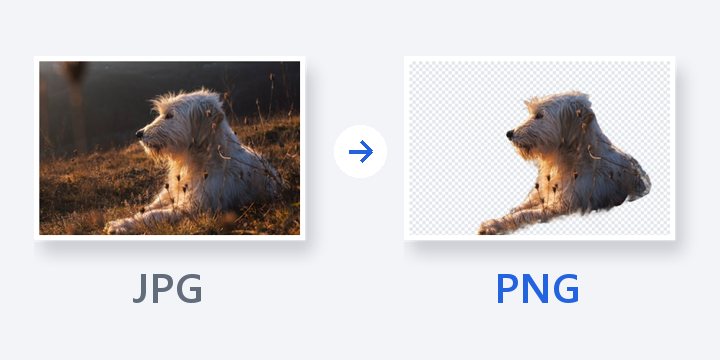
Photo

Remove background

On a capable PC, AI removes the background automatically. Phones use a light AI, or plain-background removal if it can’t load.

Before → After

How it works

  1. 1Add a photo — the cutout starts automatically
  2. 2Fix it with a brush in “Refine by hand”
  3. 3Press “Update PNG,” then “Save”
Photo

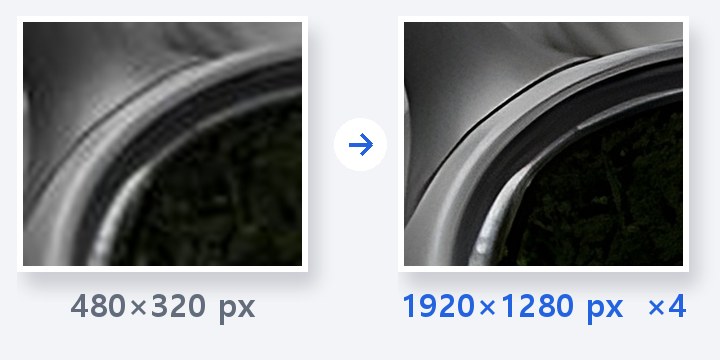
AI Image Upscaler

AI enlarges photos 2× or 4× and redraws blurry areas in detail.

Before → After

How it works

  1. 1Choose the photos
  2. 2Pick a size and a method
  3. 3Compare with the magnifier, then save
Photo

HEIC to JPG

Turn iPhone HEIC photos into JPG — for photos this browser can open.

How it works

  1. 1Pick your photos
  2. 2Set the quality and convert
  3. 3Check the result and save
Photo

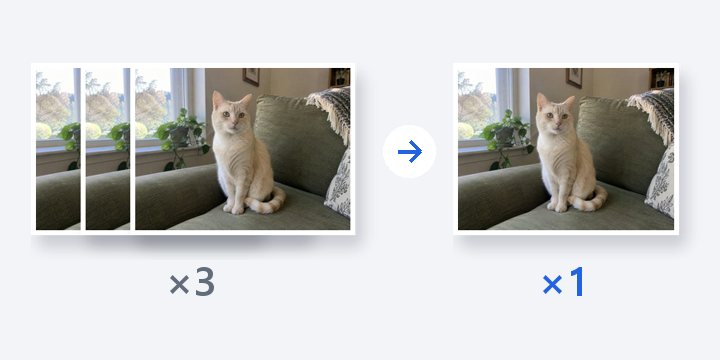
Join screenshots

Join screenshots taken in pieces, lined up at the overlap.

Before → After

How it works

  1. 1Add screenshots and set the order
  2. 2Set the width and the trim height
  3. 3Check the joined image and save
Photo

Image watermark

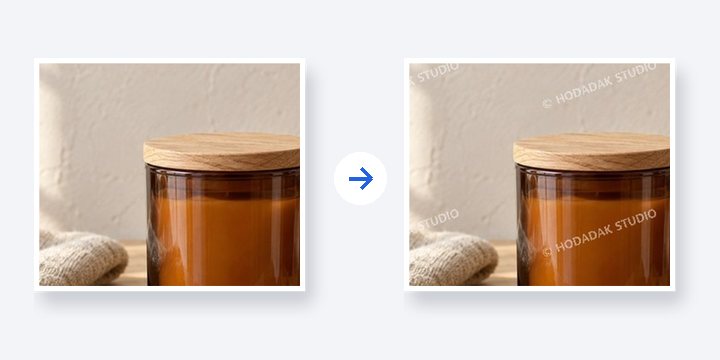
Add your name or logo and check placement and opacity on the real result.

Before → After

How it works

  1. 1Add your photos
  2. 2Add text or a logo and style it
  3. 3Check each photo and save
Photo

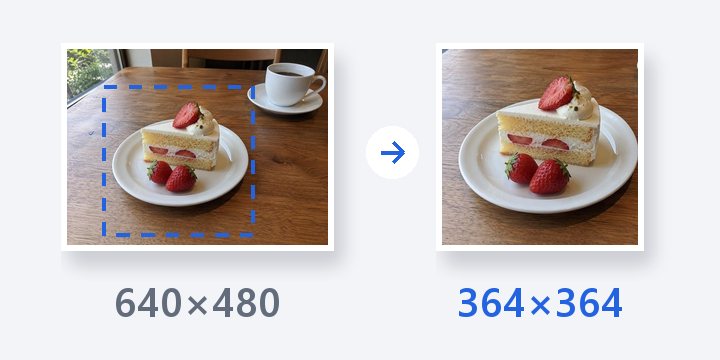
Crop images

Keep only the part you need, at the original pixels.

Before → After

How it works

  1. 1Add your photos
  2. 2Choose what to keep
  3. 3Check and save
Photo

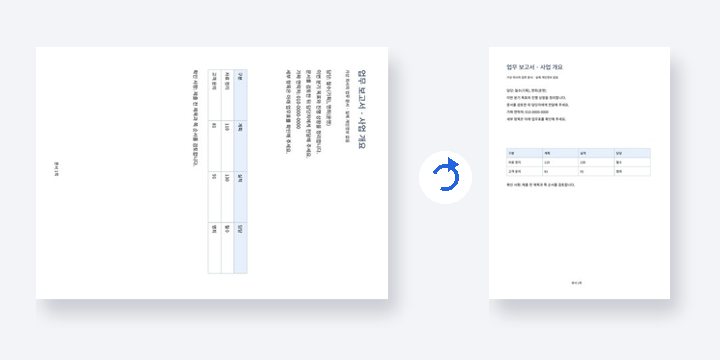
Rotate images

Sideways photos? Pick a direction for each one and set it upright.

Before → After

How it works

  1. 1Add your photos
  2. 2Pick a direction for each
  3. 3Check and save
Photo

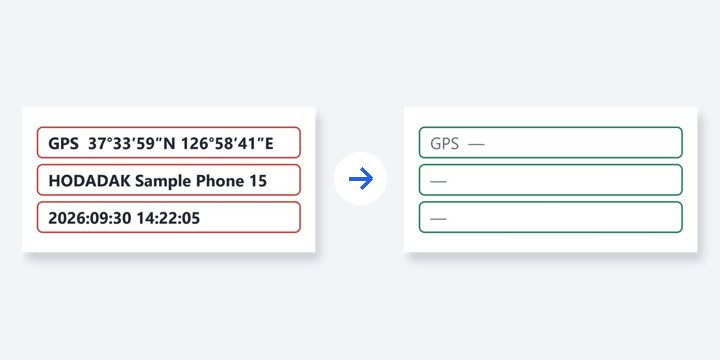
Remove photo metadata

Remove location and device info from photos, without recompressing them.

Before → After

How it works

  1. 1Add your photos
  2. 2Decide whether to keep the date
  3. 3Check and save
Photo

Duplicate photo selection

See identical files and look-alike candidates separately, then save only the originals you pick, unchanged.

Before → After

How it works

  1. 1Add photos and see how they’re grouped
  2. 2Tick the photos to keep
  3. 3Save only the chosen originals
Photo

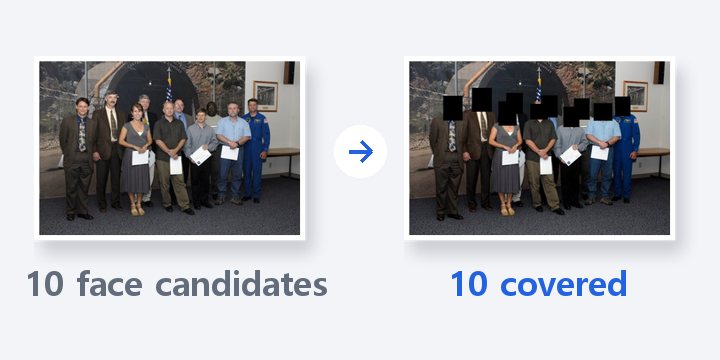
Cover private details

Shows face candidates and covers names or contacts with solid blocks, saved as new images.

Before → After

How it works

  1. 1Add a photo and face candidates appear
  2. 2Zoom in, look for gaps, tick the review box
  3. 3Save the new image
Video

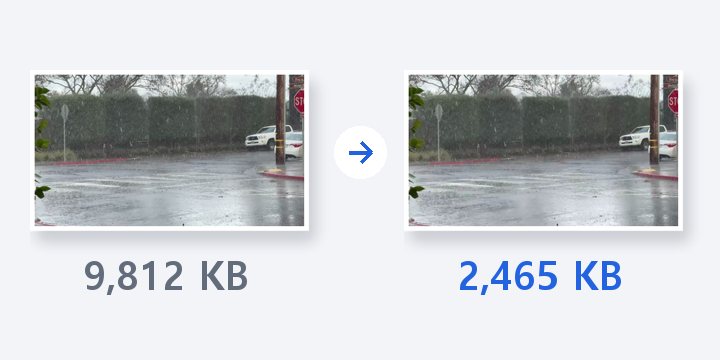
Compress video

Set your submission limit; size and quality are adjusted. Keep or remove the sound.

Before → After

How it works

  1. 1Choose a video
  2. 2Set the target size
  3. 3Check the result and save
Video

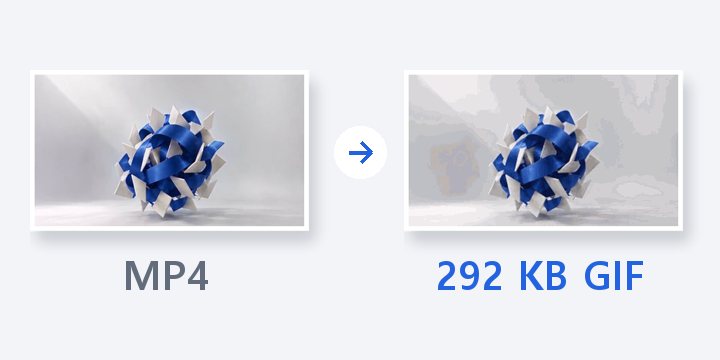
Video → GIF

Turn just the moment you want into a light GIF.

Before → After

How it works

  1. 1Add your video
  2. 2Pick the part and a target size
  3. 3Compare the three and save
Video

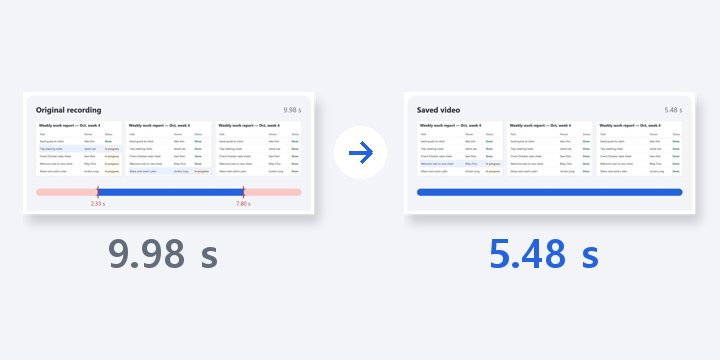
Screen recorder

Trim the start and end right after recording and save an MP4 with proper length information.

Before → After

How it works

  1. 1Set quality and sound, then start
  2. 2Trim the start and end
  3. 3Make the video and save
GIF

GIF compressor

Shrink a GIF to your target size, keeping the animation.

Before → After

How it works

  1. 1Add your GIFs
  2. 2Set a target size
  3. 3Check the motion and save

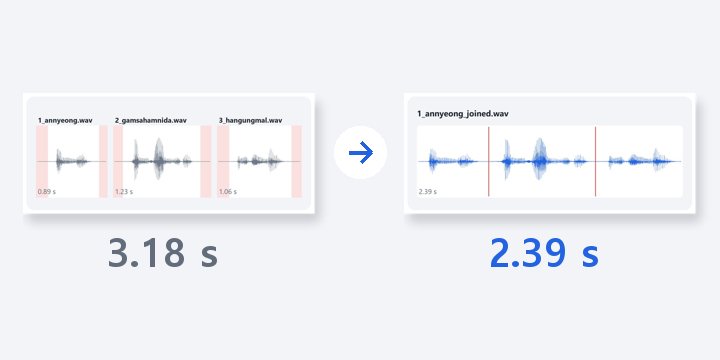
Cut and join recordings

Remove unwanted parts on the waveform and join several recordings into one file.

Before → After

How it works

  1. 1Add recordings and set the order
  2. 2Choose what to keep in each file
  3. 3Listen to the seams and save
Video

Trim video

Choose the exact start and end, keeping sound.

Before → After

How it works

  1. 1Choose a video
  2. 2Set the start and end, then preview
  3. 3Check the clip and save
Video

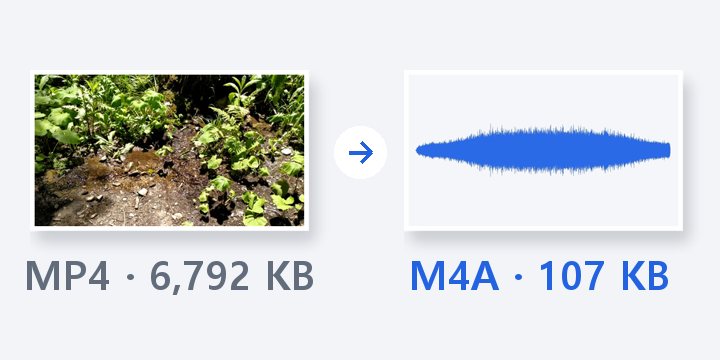
Extract audio

Extract the sound from a video. Keep the original audio without recompression.

Before → After

How it works

  1. 1Choose a video
  2. 2Preview and check the sound
  3. 3Listen and save
Subtitles

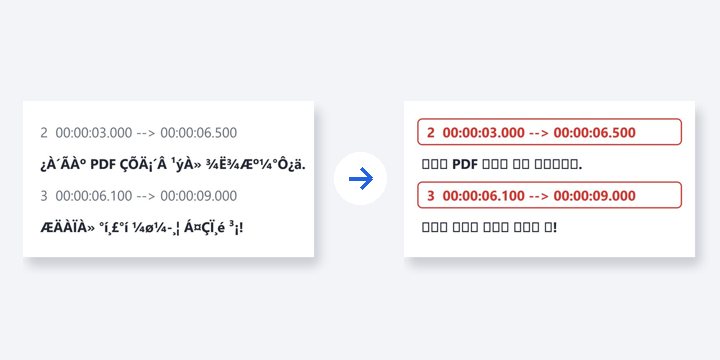
Subtitle format and timing

Find garbled text and overlapping times, then fix timing and format.

Before → After

How it works

  1. 1Add your subtitle file
  2. 2Choose the format and timing
  3. 3Review issues and save
Video

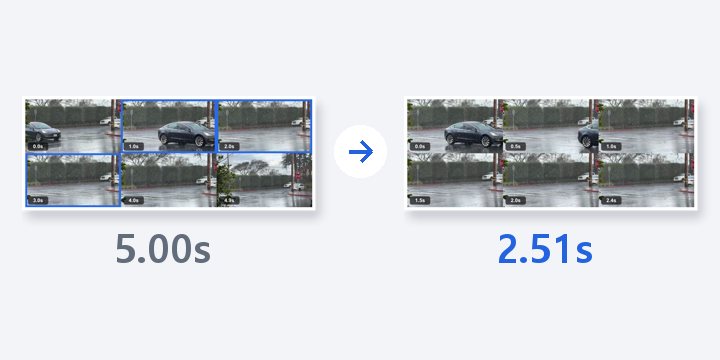
Video frames to images

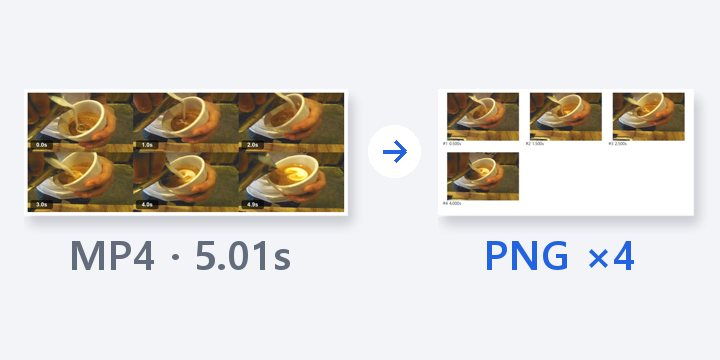
Save selected times as images and a contact sheet; flag similar frames.

Before → After

How it works

  1. 1Choose a video
  2. 2Set the times
  3. 3Check the contact sheet and save

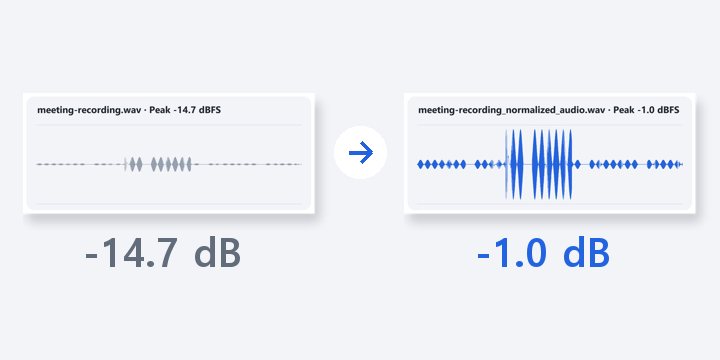
Recording volume

Adjust the whole recording without adding clipped peaks. Listen before and after, then save a new WAV.

Before → After

How it works

  1. 1Add the recording
  2. 2Choose how to adjust
  3. 3Listen and save the WAV
CSV

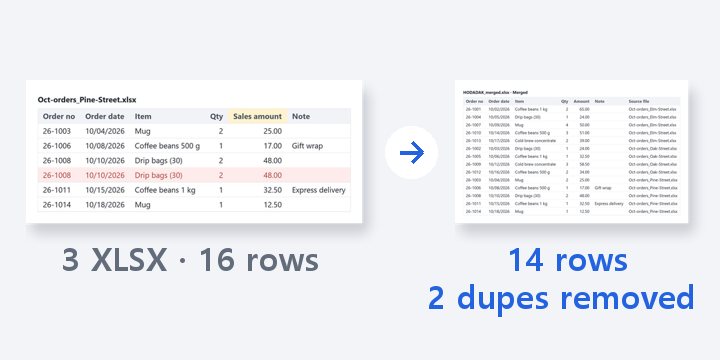
Excel merge desk

Merge sheets by header name even when columns are in a different order, then remove duplicates or split.

Before → After

How it works

  1. 1Choose all files and check column matching
  2. 2Turn on duplicate removal and pick the column
  3. 3Press Merge, check the preview and save
CSV

CSV submission check

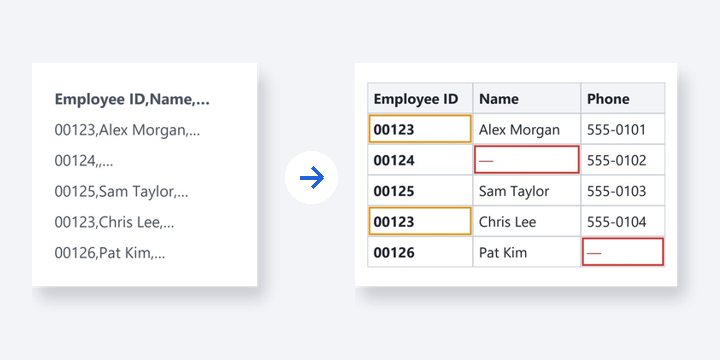
Before leading zeros vanish: keep them as text and catch blanks and duplicates.

Before → After

How it works

  1. 1Add your CSV
  2. 2Name the required and duplicate-check columns
  3. 3Review the issues and save
Files

Submission filenames

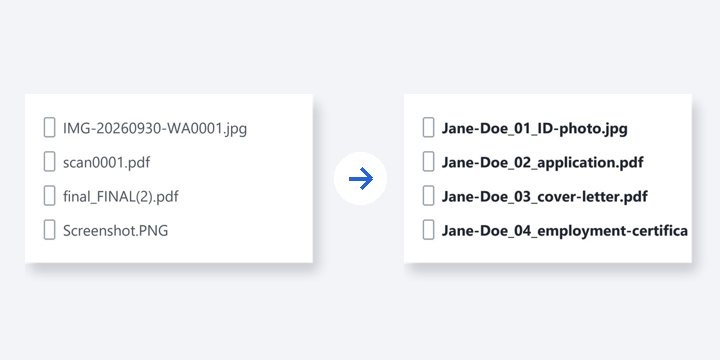
Line up submission file names and order in one go. File contents stay untouched.

Before → After

How it works

  1. 1Add files and set the order
  2. 2Enter a prefix, titles and a starting number
  3. 3Check, then save as a ZIP
CSV

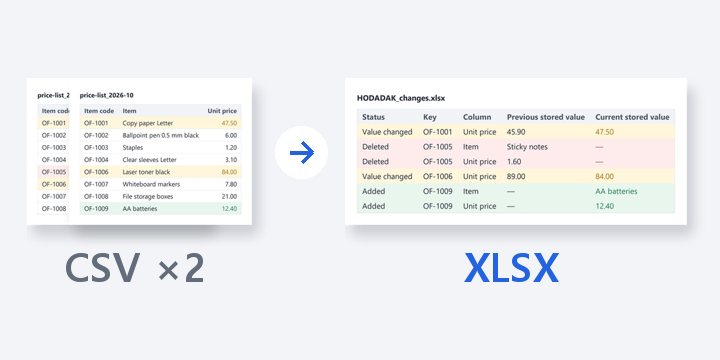
Excel/CSV comparison

Match two versions by a key column, find added, deleted and changed rows, and get a report with cell locations.

Before → After

How it works

  1. 1Add the previous and current files
  2. 2Pick the key column
  3. 3“Compare changes,” then save
ZIP

Repair ZIP filenames

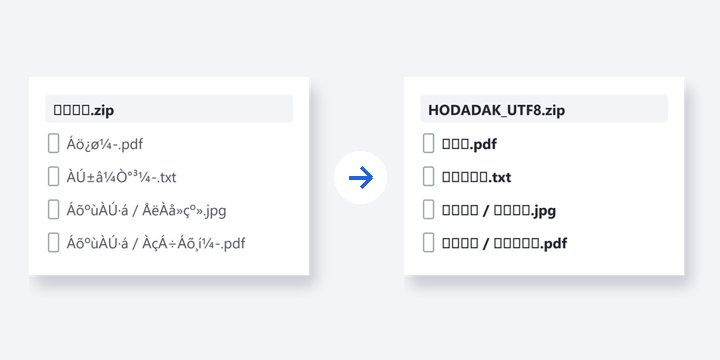
Garbled names after unzipping? Read them correctly and repack as UTF-8.

Before → After

How it works

  1. 1Add your ZIP
  2. 2Pick the encoding and the files
  3. 3Check the names and save