
RESUME BUILDER
Free resume builder PDF resume, no sign-up
No blank template to hunt for — type it in, get an A4 PDF resume.
Fill in your name, experience, education and certificates, press “Create resume PDF”, and you get an A4 PDF with the text as typed — Korean, Japanese and Chinese included. Save the editable JSON too, and next time “Open editable JSON” brings it all back so you can keep editing.
- No install
- No sign-up
- No upload
In short Resume builder is a free web tool that turns what you type into an easy-to-read A4 PDF resume and also saves editable data (JSON) so you can pick up where you left off. It runs in your browser with no install or sign-up, and your files are processed in this device’s browser — never uploaded to a server. One basic A4 template: up to 20,000 characters, 50 items and 40 pages, with a photo up to 5MB. The first build downloads a CJK font (about 23MB).
BEFORE → AFTER
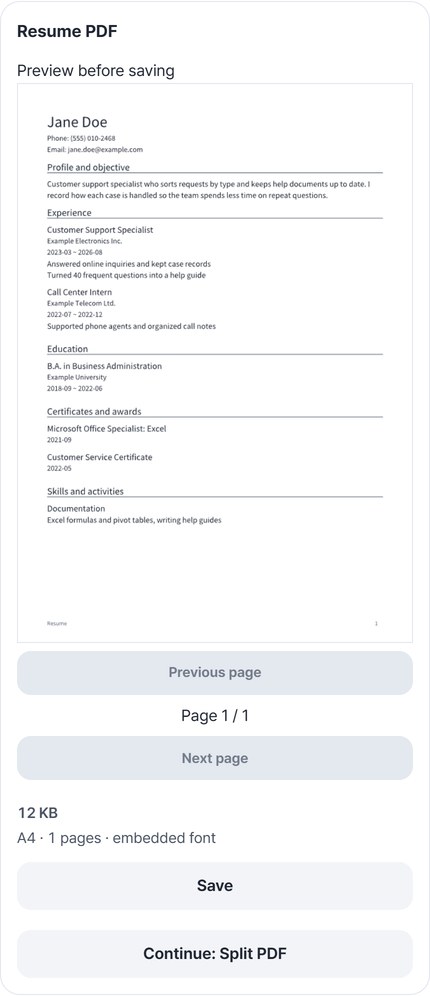
What you typed, on one A4 page
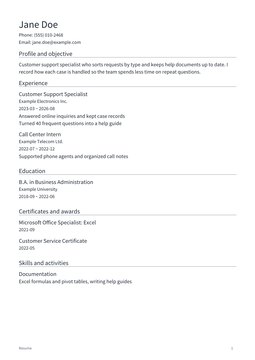
We entered a made-up applicant, “Jane Doe” (2 jobs, 1 degree, 2 certificates, 1 skill), turned off address and birth date under “Information to include in PDF”, and created the PDF. The result was 1 A4 page, 11,484 bytes. Reopening the saved PDF and reading its text, the name and experience were there, and the address and birth date we had typed were not. The editable JSON saved alongside (2,001 bytes) matched what we put in.
Actual result of processing resume data for a fictional person, “Jane Doe” (names, companies and schools are all made up; no photo), with Resume builder v0.1.7, then reopening the saved PDF to check its text.
HOW TO
Three steps and done
Enter your name and basics
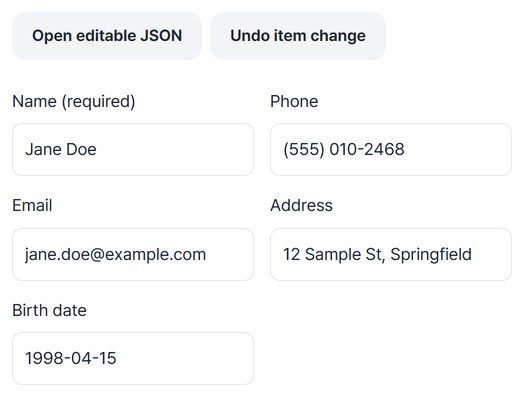
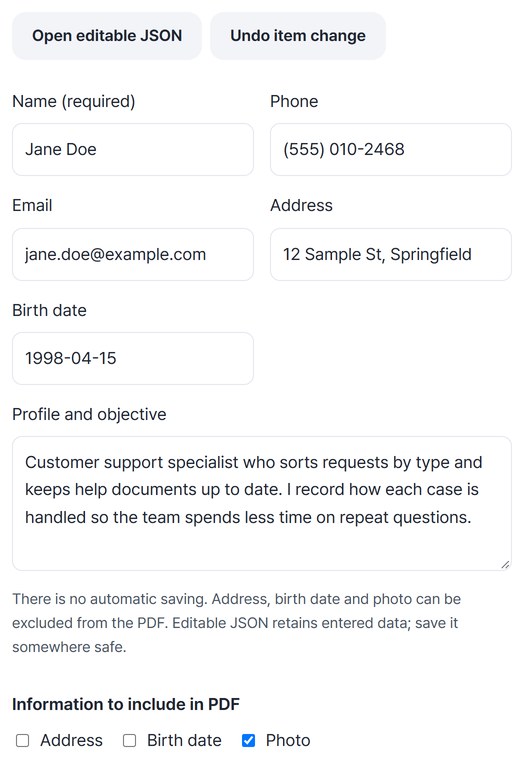
Fill in Name (required), Phone, Email, Address, Birth date and Profile. Under “Information to include in PDF”, choose whether the address, birth date and photo go into the PDF. To load data you saved before, use “Open editable JSON”.
Add experience, education and certificates
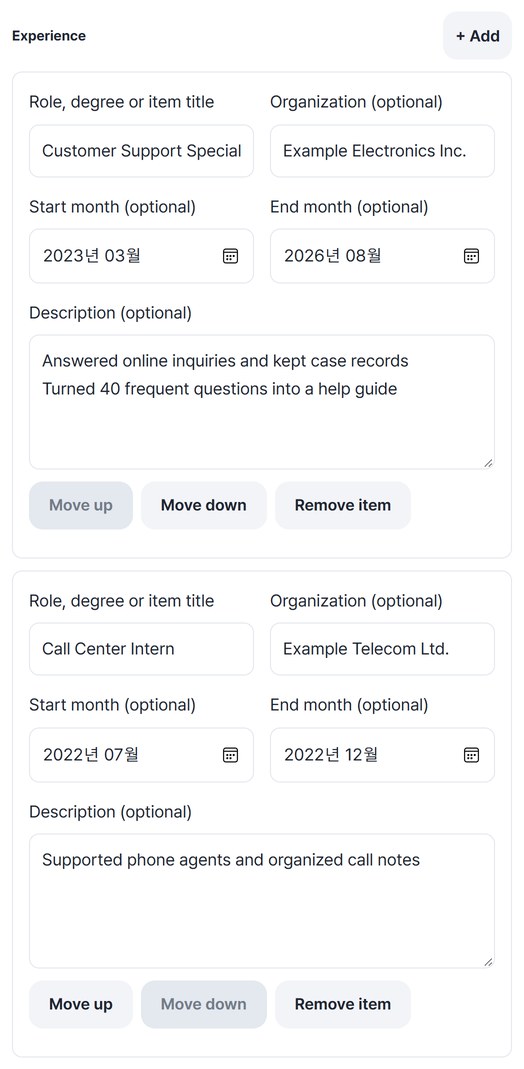
Use “+ Add” for more items, and “Move up” / “Move down” or drag to reorder within a section. If you remove something by mistake, press “Undo item change”.
Save the PDF and the editable JSON
Press “Create resume PDF”, check every page in the preview, then press “Save”. Save the editable JSON as well to pick up where you left off; you can also save both files together as a ZIP.
WHEN
Perfect for
- No required form to follow
Make a clean A4 PDF right away.
- Small edits for each application
Open the JSON, edit, and create it again.
- Sharing less personal data
Leave the address and birth date out.
GOOD TO KNOW
Good to know
- There is one basic A4 template. Up to 20,000 characters, 50 items and 40 pages; long text continues on the next page. No template choice, Word editing or importing an existing PDF.
- The first time, a shared CJK font of about 23MB is prepared. On a slow connection this can take a while.
- A photo is optional. JPG or PNG, up to 5MB and 24 million pixels. It is resized without stretching, and image metadata is removed.
- The editable JSON keeps details you left out of the PDF. Nothing is saved automatically, so store the JSON somewhere safe yourself. Passing recruiting systems and spell-checking are not guaranteed.
FAQ
Frequently asked questions
Where do my files get uploaded?
Nowhere. Everything is processed in this device's browser, so there is nothing on a server to delete. Results you haven't saved are cleared when you close the window.
Can I keep editing later?
Open the editable JSON you saved with “Open editable JSON” and every field is filled back in. For this page we checked that the saved JSON matched what we put in.
Which devices does it work on?
We created PDFs with it in Edge on Windows. Real Mac, iPhone and Android devices haven’t been checked yet.
NEXT
Handy next steps
Type, check, save as PDF.
No install, no sign-up. Right now.