LADDER & WHEEL
Ladder game & spin wheel random name picker
Coffee runs and chore rotas, settled with a ladder or a wheel.
Enter names once and switch between a ladder game, marble draw, spin wheel and team picker. A cryptographic random number decides the result first; the screen only reveals it.
Checked · v0.1.3
In short Ladder & wheel is a web tool that runs a ladder game, spin wheel, marble draw, pass-the-bomb and team picker from one name list. A cryptographic random number decides the result first; the animation only reveals it. Ladder and marble draw take 2–50 names, wheel and pass-the-bomb 2–100, teams 4–200. Each name can be up to 30 characters, and TXT or CSV lists work too.
BEFORE → AFTER
One of 6 buys the coffee, picked by ladder
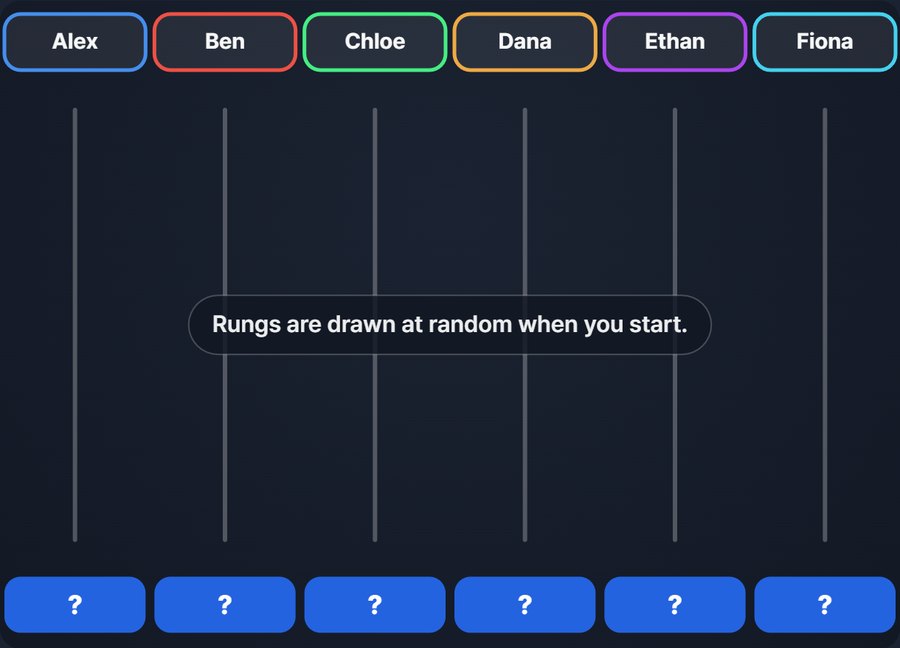
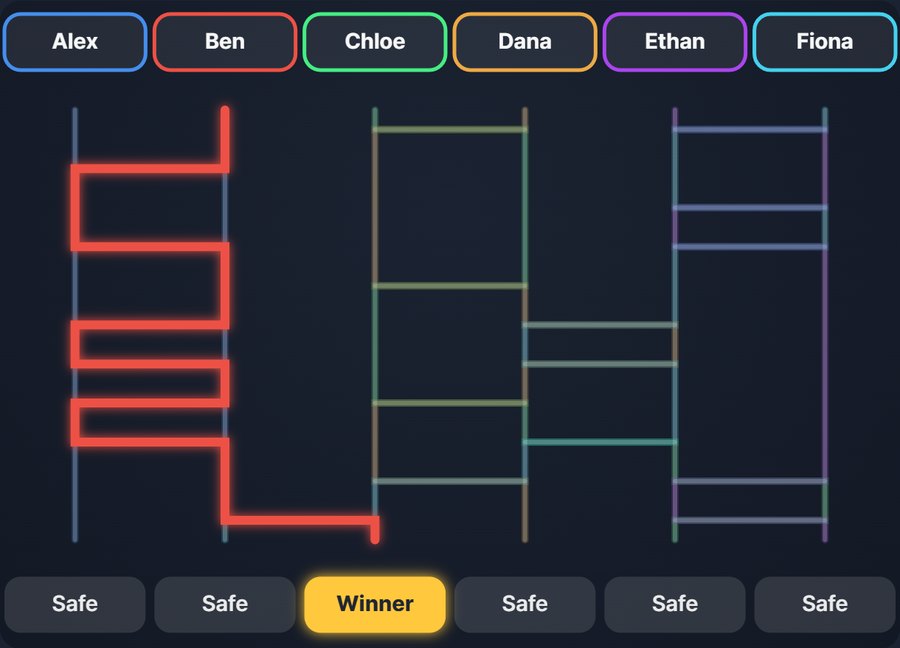
We pasted 6 names, chose the ladder game with 1 winner and pressed “Start game.” The rungs appeared, each person traced down in turn, and Ben landed on the winning slot. Opening the saved image (PNG) and spreadsheet again showed Ben as the only “Winner” in the sheet too.
Actual screens from running 6 made-up names through Ladder & wheel v0.1.3. The winner changes at random every time.
HOW TO
Done in three steps
Enter names
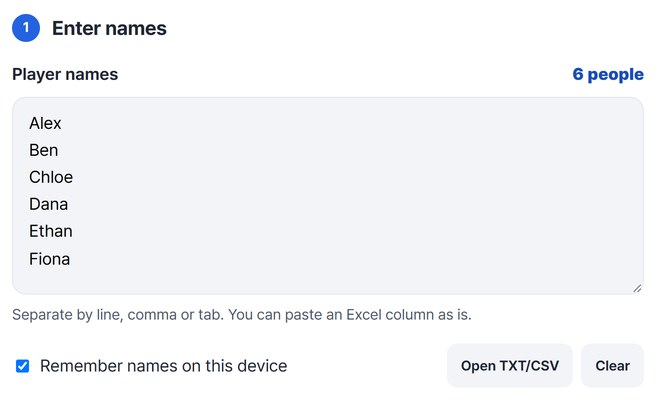
Type one name per line. Line breaks, commas and tabs all split names, so you can paste a column from Excel or load a TXT or CSV list.
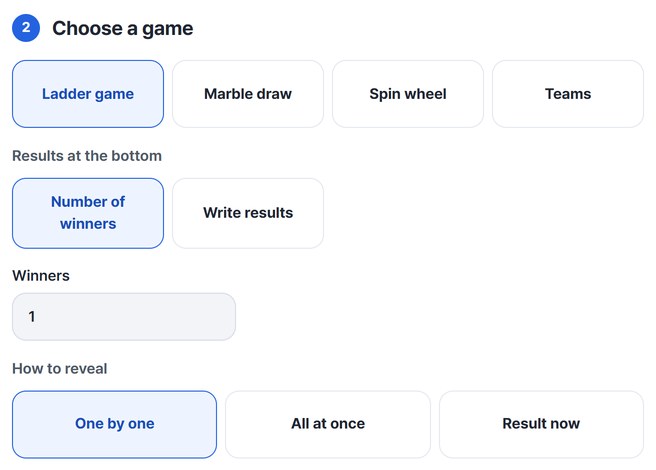
Pick a game
Choose the ladder game, marble draw, spin wheel or team picker. For the ladder, set the number of winners or write your own result slots such as “Buy coffee.”
Start and keep the result
Press “Start game” and the result plays out on screen. Use “Copy image” to paste it straight into a group chat, and “Save” the spreadsheet for your records.

WHEN
Perfect for
- Deciding who buys coffee or lunch
Put it on the meeting room screen so everyone watches.
- Setting presentation order or chore duty
Use marble draw rankings or ladder result slots as the order.
- Making workshop groups
Add must-be-together and must-be-apart rules in the team picker, and make a seating chart too.
GOOD TO KNOW
Good to know
- Ladder and marble draw take 2–50 names, wheel and pass-the-bomb 2–100, teams 4–200. Each name can be up to 30 characters.
- On the wheel, writing a name like “Alex*2” makes that slice twice as big. You can also remove picked items from the next round.
- With “Remember names on this device” on, the names stay in this browser for next time. Turning it off clears them.
- Under “Is it fair? Check it yourself,” run the same setup 10,000 times and see for yourself whether results come out even.
FAQ
Frequently asked questions
Where do the names go?
Nowhere. The game runs in this device’s browser, and results only become files when you save or copy them.
Is it really fair?
The result is decided first by the browser’s cryptographic random number; the ladder, marbles and needle only show it. You can check with “Run 10,000 times.”
Which devices has it been checked on?
We confirmed it in Edge and WebKit (the engine behind Safari) on Windows. Phones were tested by simulating a phone screen on a PC; checks on real Mac, iPhone and Android devices are still to come.
NEXT
Handy next steps
 CSV
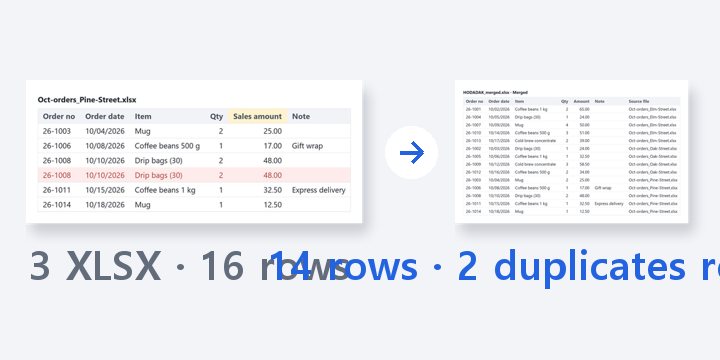
Merge sheets by header name even when columns are in a different order, then remove duplicates or split.
Open