
CHARACTER COUNT
A 1,000-character limit?
See exactly where you went over.
Set a limit for each answer and count four ways: visible characters, code points, UTF-16 units and UTF-8 bytes. Text past the limit is highlighted from the point it goes over, and nothing is cut automatically.
- No install
- No sign-up
- Files stay on this device
In short Character count is a free web tool that counts up to 10 answers by visible characters, code points, UTF-16 units or UTF-8 bytes, with or without spaces, and flags each answer’s limit. It runs in your browser with no install or sign-up, and what you type stays on your device — nothing is sent to a server. Up to 10 answers and 100,000 UTF-16 units in total. Text over the limit is never cut automatically.
BEFORE → AFTER
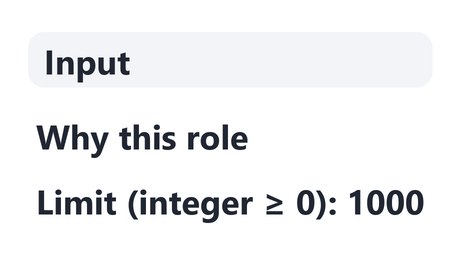
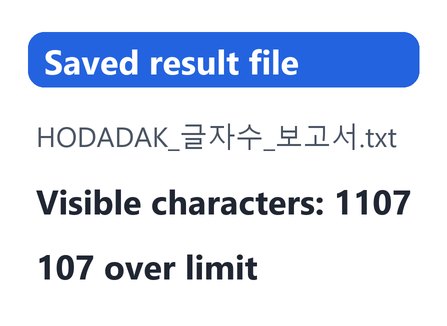
“Why this role”: 1107 characters, 107 over a 1,000 limit
An example answer named “Why this role”, counted by visible characters with spaces included and a limit of 1000. It came to 1107, so 107 over. The text is highlighted from where it passes the limit.
Actual result of counting an example answer written by HODADAK with Character count v0.1.1, then reopening the saved TXT to check it.
HOW TO
Three steps and done
Add the answer and its text
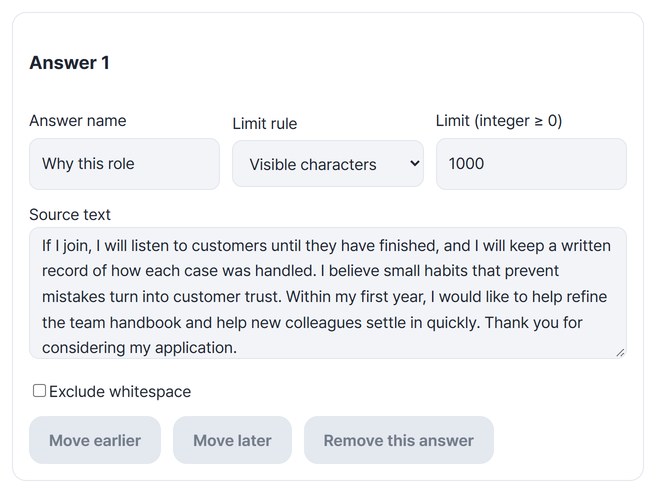
Set the answer name, the counting rule for the limit and the limit, then paste the text. Turn on “Exclude whitespace” if spaces shouldn’t count. “Add answer” takes you up to 10.
Check all four counts and the overflow
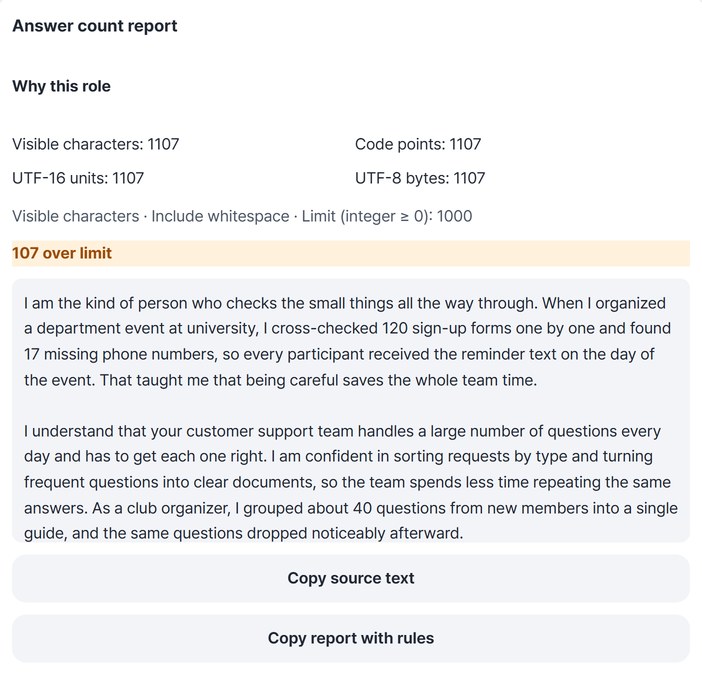
Press “Count text” to see four counts and how many characters remain or are over for each answer, with the overflow highlighted.
Copy it or save it as TXT
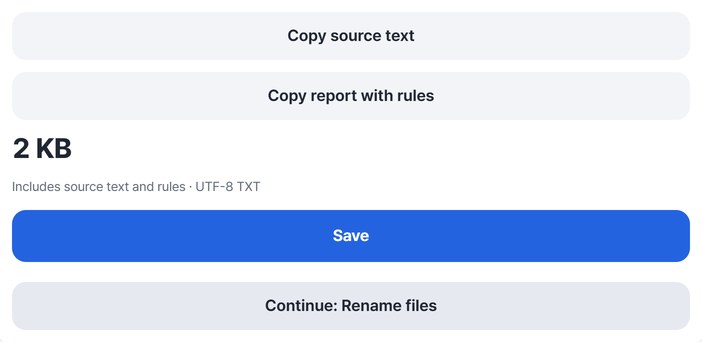
Press “Copy source text”, “Copy report with rules” or “Save”.
WHEN
Perfect for
- Application and essay questions
Check different limits for each answer at once.
- When sites count differently
Use UTF-8 bytes where a byte limit applies.
- Finding what to cut
The overflow is highlighted from where it starts.
GOOD TO KNOW
Good to know
- Four counting rules: visible characters treat combined letters and family emoji as one; code points count character numbers; UTF-16 counts browser string units; UTF-8 counts saved bytes. Check which rule your destination uses.
- Exclude whitespace removes ordinary spaces, tabs and line breaks from the count. Zero-width space (U+200B) stays. Your text is never changed.
- Limits: up to 10 answers and 100,000 UTF-16 units in total. Text is not cut automatically.
- Text and answer names are not stored persistently; only the rules and limits are remembered. The saved TXT includes your text and counting rules. The Continue button on the result card passes it to the file renaming tool.
FAQ
Frequently asked questions
Where does my text go?
Nowhere. It is counted on this page only, and the text and answer names are not stored persistently.
The site I’m submitting to shows a different count.
It may count differently — for example including line breaks, excluding spaces or counting bytes. Check its rules and pick the matching option here (visible characters, UTF-8 bytes, exclude whitespace and so on).
Which devices has it been checked on?
We confirmed it in Edge on Windows. Phones were tested by simulating a phone screen on a PC; Safari-based browsers and real Mac, iPhone and Android devices are still to come.
NEXT
Handy next steps
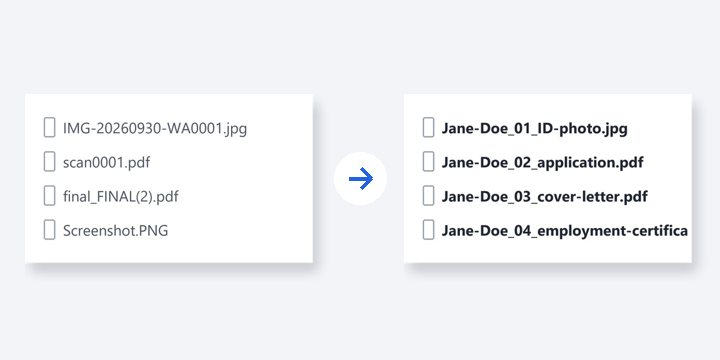
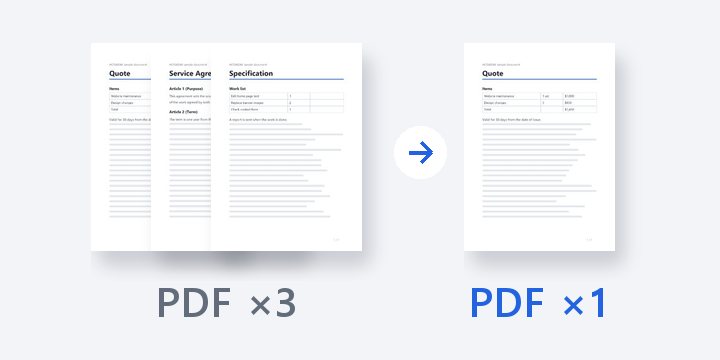
Paste, pick a rule, see the overflow.
No install, no sign-up. Right now.