
SEAL & SIGNATURE
Stamp and signature maker transparent PNG
A company seal for your quote, as a transparent PNG.
Make a Korean-style name seal, company seal or handwritten signature as a PNG with a transparent background. The file carries 600 dpi size information, so it goes into Word at the size you chose in mm. Names and signatures are never sent to a server.
- No install
- No sign-up
- No upload
In short Seal and signature is a web tool that makes Korean-style name seals, company seals and handwritten signatures as transparent PNG images you can place on documents. It runs in your browser with no install or sign-up, and the names you type and signatures you draw stay on your device — nothing is sent to a server. Names of 1–4 characters; company seals take up to 16 characters around the edge. The first preview downloads the Serif font (about 0.6MB), and choosing Bold sans downloads about 0.3MB more. The image doesn’t replace a registered seal or an identity check.
BEFORE → AFTER
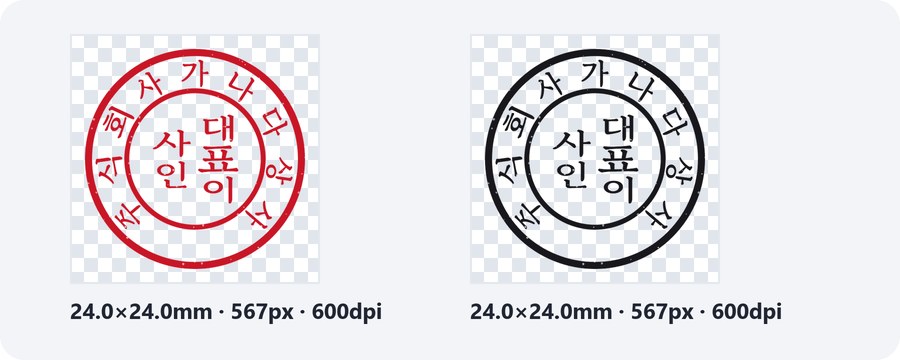
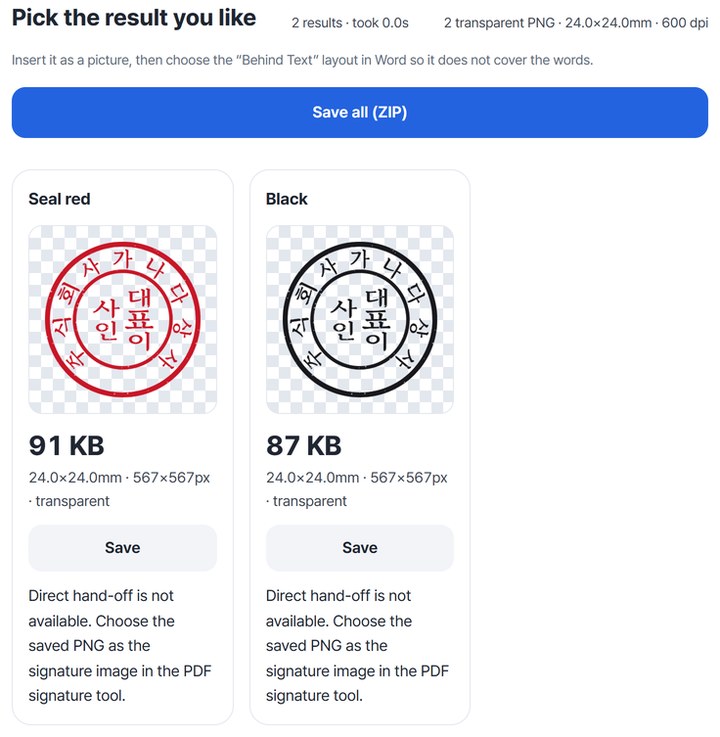
A 24mm company seal in red and black, as transparent PNGs
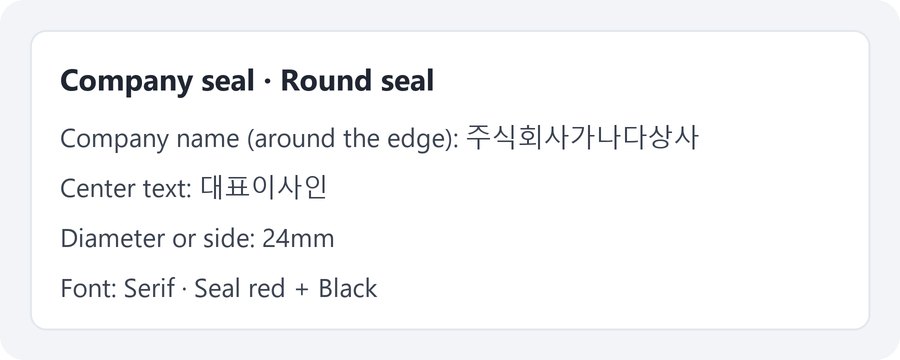
In “Company seal” we chose “Round seal” and typed 주식회사가나다상사 around the edge and 대표이사인 in the center. Size 24mm, Serif font, in Seal red and Black. Both saved PNGs are 567×567px, and reopening them shows 600 dpi (24.0mm) with transparent corners. The two files inside the Save all ZIP match the ones saved one by one.
Actual result of making a seal with a made-up company name in Seal and signature v0.1.2, then reopening the saved PNGs to check their size information and transparent background. The checkerboard shows the transparent parts.
HOW TO
Three steps and done
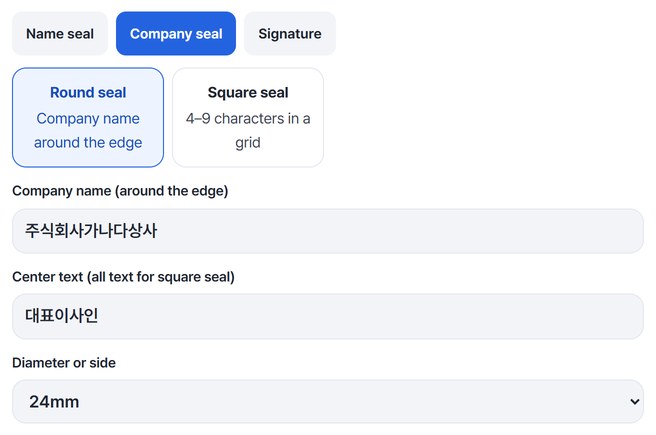
Choose what to make and type the text
Pick “Name seal,” “Company seal” or “Signature.” For a “Round seal,” type the company name around the edge (up to 16 characters) and up to 6 in the center, then choose the diameter.
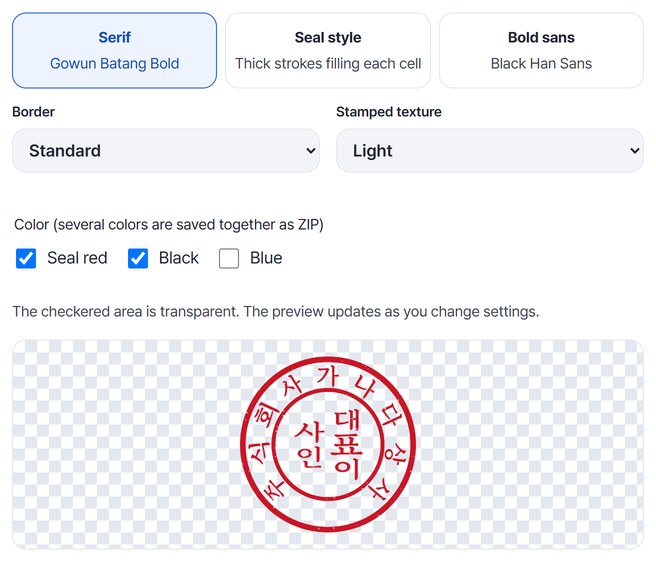
Choose the font and color
Pick Serif, Seal style or Bold sans, then the border and stamp texture. Choosing two or more colors makes several images at once, and the preview below updates right away.
Save as PNG
Press “Make seal/signature PNG” to get one result card per color. Press “Save” on each card, or “Save all (ZIP).”
WHEN
Perfect for
- Adding a company seal to a quote or invoice
Make it as a transparent PNG and paste it in.
- Documents that need a name seal
Make a round or square seal from a 1–4 character name.
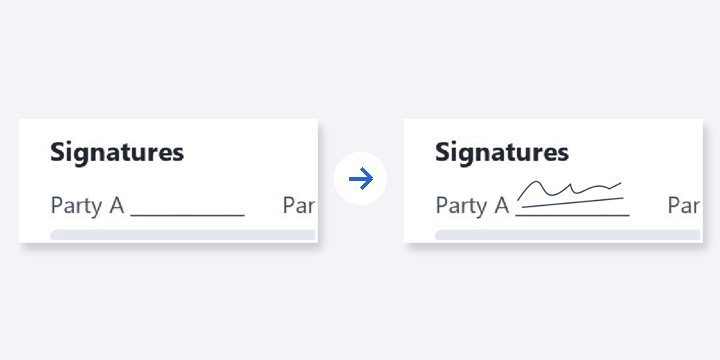
- Signing a PDF
Draw a signature, save the PNG, then choose it in “PDF signature.”
GOOD TO KNOW
Good to know
- No legal force as a registered seal or ID check. Check the recipient’s rules first, and never make or use someone else’s seal without permission.
- Only Korean (Hangul) and English letters. Names take 1–4 characters; round company seals take 16 around the edge and 6 in the center; square seals take 4–9.
- Size information (600 dpi) is in the file. During our audit, a 24mm seal inserted into Word measured 23.99mm. Choose the “Behind Text” layout in Word so it doesn’t cover the words.
- It can’t remove the background from a photo of a paper seal. It draws a new seal from text.
- The first preview downloads the Serif font (about 0.6MB); choosing Bold sans downloads about 0.3MB more.
FAQ
Frequently asked questions
Where do my files get uploaded?
Nowhere. Everything is processed in this device's browser, so there is nothing on a server to delete. Results you haven't saved are cleared when you close the window.
Will the size be right in Word?
The file carries 600 dpi size information, so Word inserts it at the size you chose in mm. During our audit, a 24mm seal inserted into Word on this PC measured 23.99mm. Other programs haven’t been checked yet.
Can it replace a registered seal?
No. The image doesn’t replace a registered seal or an identity check. Ask the recipient whether they accept an image seal.
Which devices has it been checked on?
We confirmed it in Edge on Windows. Phones were tested by simulating a phone screen on a PC; Safari-based browsers and real Mac, iPhone and Android devices are still to come.
NEXT
Handy next steps
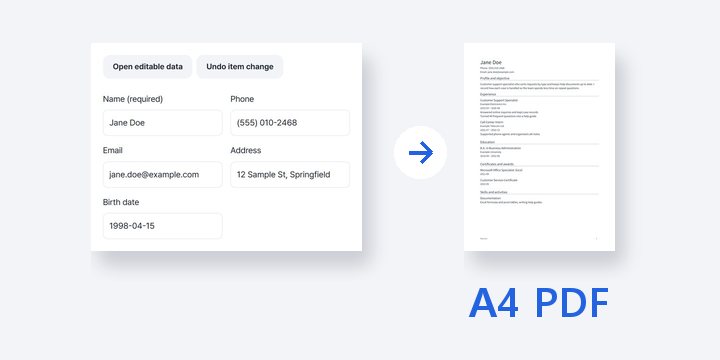
Choose, type, save a transparent PNG.
No install, no sign-up. Right now.