
PDF N-UP
Eight pages, eight sheets of paper?
Put two on each.
Put 2 or 4 pages on one A4 sheet, or arrange them as a booklet in folding order. Before you create it, a table shows which page goes where.
- No install
- No sign-up
- Files stay on this device

BEFORE → AFTER
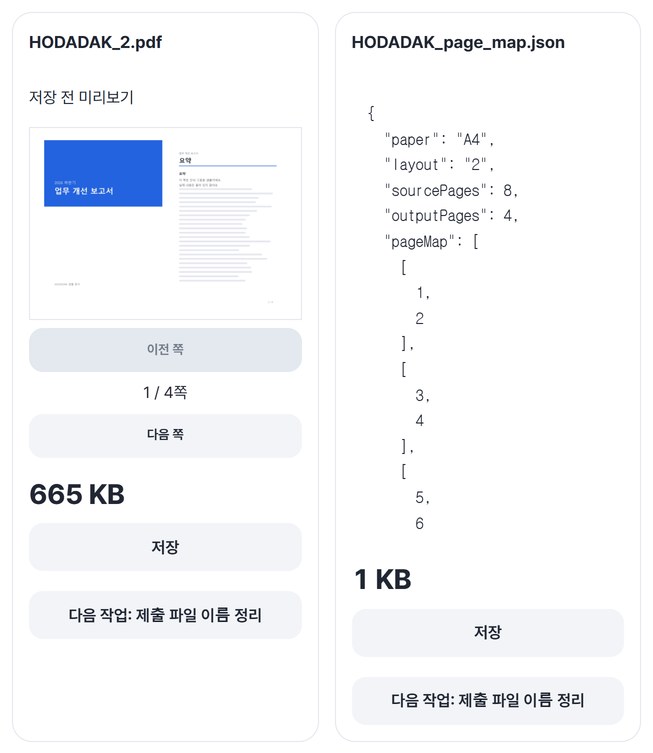
An 8-page report on 4 A4 sheets
With the “2 / A4” layout, pages 1–2, 3–4, 5–6 and 7–8 each share a sheet, giving 4 pages. You also get a page map JSON recording which page went where.
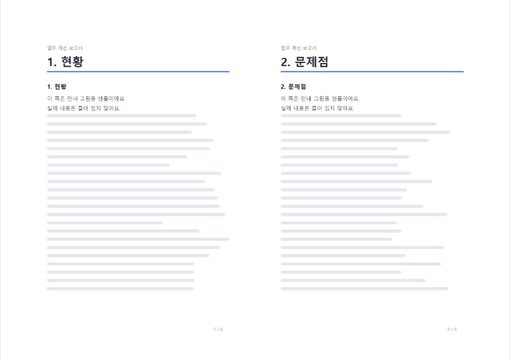
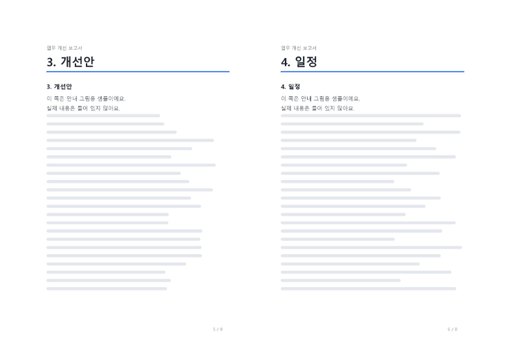
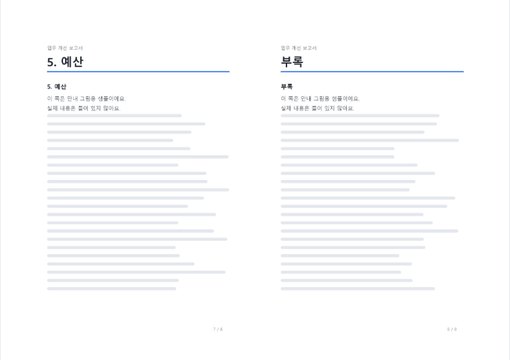
The actual result of processing a HODADAK sample file (an example 8-page report) with PDF n-up and booklet v0.1.1.
HOW TO
Three steps and done
Add your PDF
Page thumbnails appear with checkboxes for the pages to include. All pages are selected at first.
Choose a layout
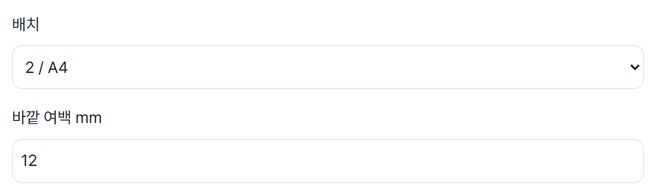
Pick “2 / A4,” “4 / A4” or “Booklet / A4” and set the outer margin in mm. A table shows which original pages land on each output page.
Preview and save
After “Create results,” check the PDF and the page map JSON, then save — or get both in one ZIP.
WHEN
Perfect for
- Handouts for meetings and classes
Two pages per sheet halves the paper.
- Making a small booklet
Pages are placed in folding order: print double-sided, fold in half.
- A print-out to skim at a glance
Use “4 / A4” for four pages per sheet.
GOOD TO KNOW
Good to know
- Text gets smaller. Test-print one sheet first, and check the duplex orientation for booklets.
- PDF up to 20MB and 100 pages; the output is A4. The original file stays unchanged.
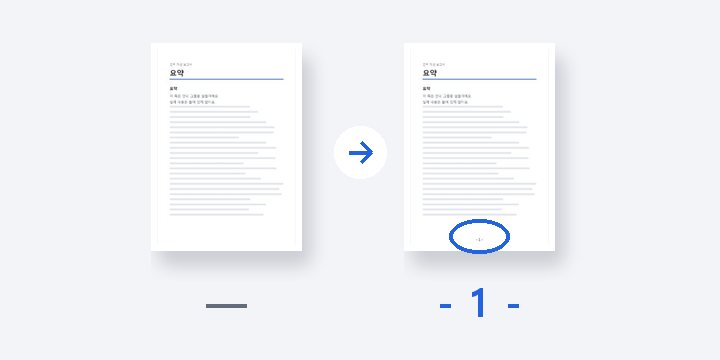
- Empty slots, as in a booklet, are filled with blank pages. The table before processing marks them with “—”.
- The PDF engine is downloaded once, about 4MB, the first time. It's fetched only after you pick a file, and other PDF tools reuse it.
- Press Try a sample to try it without your own file. The Continue button on a result card carries on in another tool without adding the file again.
FAQ
Frequently asked questions
Where do my files get uploaded?
Nowhere. Everything is processed inside this device's browser, and closing the window clears both the files and the results.
Can I print the booklet as is?
You get a PDF with pages in folding order, meant for double-sided printing. If the duplex orientation is off, the back sides can come out upside down, so try one sheet first.
Which devices has it been checked on?
We confirmed it in Edge and WebKit (the engine behind Safari) on Windows. Phones were tested by simulating a phone screen on a PC; checks on real Mac, iPhone and Android devices are still to come.
NEXT
Handy next steps
Pick a layout, check it, save it compact.
No install, no sign-up. Right now.