
COMPRESS PDF
“Please upload under 10MB”?
Even photo-heavy PDFs.
Set a target in MB and images are reduced first while text stays as it is. See whether it hit the target and how far it went, then save.
- No install
- No sign-up
- Files stay on this device
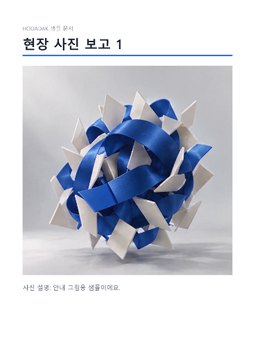
BEFORE → AFTER
A 2.66MB photo report, targeted at 1MB
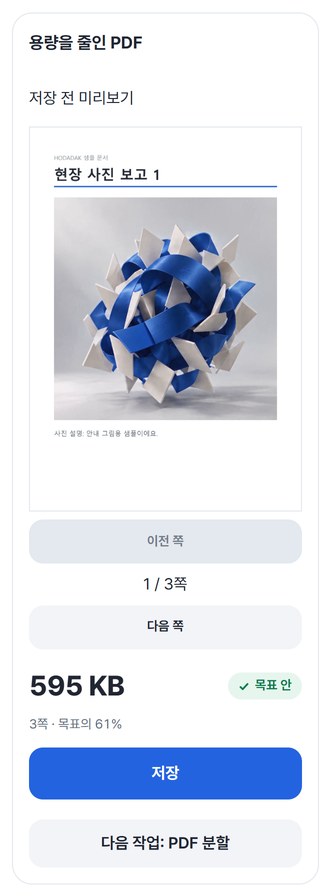
With a 1MB (1,000,000 bytes) target it came out at 0.61MB. Text, page order and photo layout stayed the same.
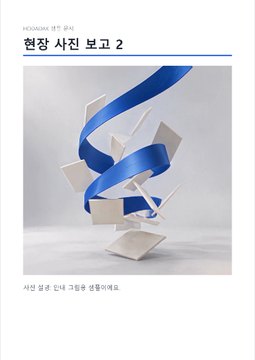
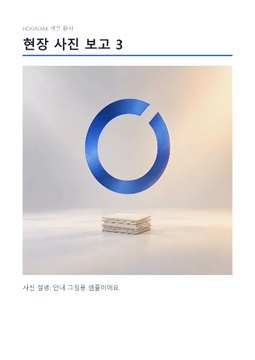
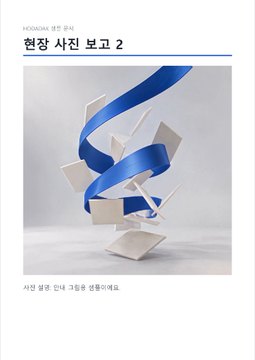
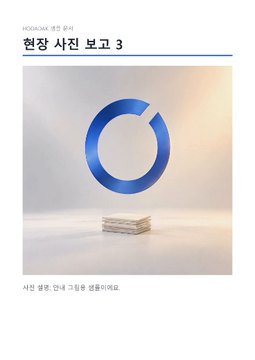
Pages drawn from the actual result of processing a HODADAK sample file (all personal details are examples) with Compress PDF v0.1.0.
HOW TO
Three steps and done
Add your PDF
It first shows how many images can be reduced.
Enter the target in MB
0.01–50MB. 1MB is counted as 1,000,000 bytes.
Target (MB)1
Check and save
After “Compress to target,” preview the size and content, then save.
WHEN
Perfect for
- Upload sites with an “under N MB” limit
Use that number as the target.
- Email attachments that are too big
Lighten photo-heavy reports.
- PDFs made from scans or photos
Image-heavy files shrink the most.
GOOD TO KNOW
Good to know
- Text and lines stay as they are; images are reduced first. Image quality and resolution are lowered in up to 5 steps until the target is met.
- A PDF already within the target is saved untouched, as the original.
- If the target can’t be met, you’re told plainly — “over target” — along with the smallest result possible this time.
- Transparent, CMYK or specially compressed images may stay as they are. No font optimization or text recognition (OCR).
- One PDF at a time, up to 50MB and 200 pages. Password-protected and form PDFs aren’t supported.
- The PDF engine is downloaded once, about 4MB, the first time. It's fetched only after you pick a file, and other PDF tools reuse it.
FAQ
Frequently asked questions
Where do my files get uploaded?
Nowhere. Everything is processed inside this device's browser, and closing the window clears both the files and the results.
Will the text get blurry?
Text and lines aren’t turned into images, so they stay as they are. Images are what get reduced — check that small text inside photos is still readable before saving.
Which devices has it been checked on?
We confirmed it in Edge and WebKit (the engine behind Safari) on Windows. Phones were tested by simulating a phone screen on a PC; checks on real Mac, iPhone and Android devices are still to come.
NEXT
Handy next steps
Set a target, compress, save.
No install, no sign-up. Right now.