
FIX ZIP NAMES
Unzipped it and got gibberish?
Get the real names back.
Korean filenames in ZIPs made the older Windows way (CP949) are read correctly and repacked as a UTF-8 ZIP. You see the names before extracting and can pick only the files you need.
- No install
- No sign-up
- Files stay on this device
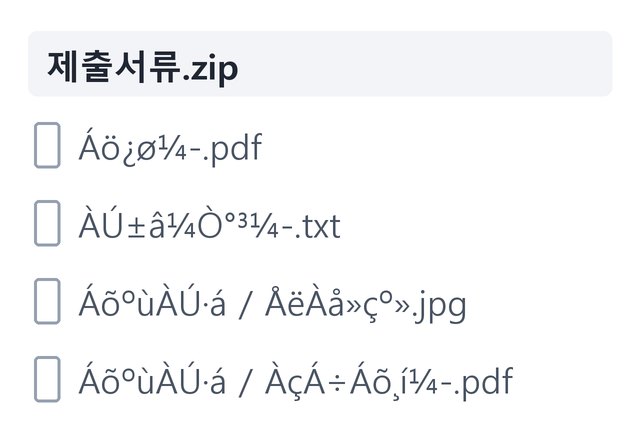
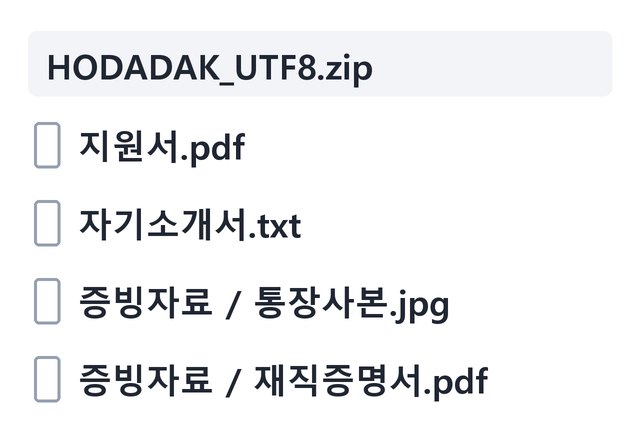
BEFORE → AFTER
Four garbled document names, recovered
This ZIP holds Korean names stored the older Windows way (CP949). Read with a different character rule, they can look like the left side. Read by the tool, the application, cover letter and the files in the supporting-documents folder all came back with their proper names.
Actual result of processing a HODADAK sample file with Repair ZIP filenames v0.1.1. The garbled names on the left show the same bytes read with a different character rule (an example).
HOW TO
Three steps and done
Add your ZIP
One at a time, up to 30MB. It first lists the names inside, each with a number.
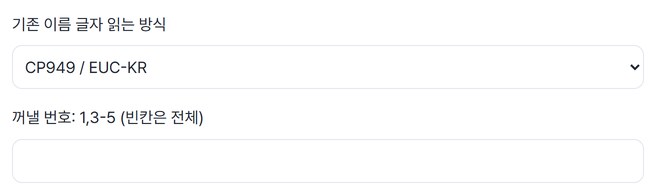
Pick the encoding and the files
The default is CP949 / EUC-KR. Enter numbers like “1,3-5” to take only those files, or leave it empty for all.
Check the names and save
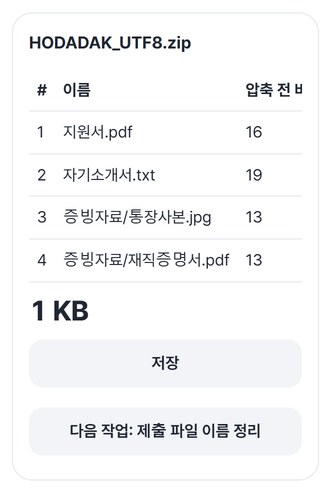
Get one UTF-8 ZIP, or save the files one by one.
WHEN
Perfect for
- A ZIP of documents with garbled names
Check the names properly before extracting.
- Only a few files needed from a big ZIP
Pick them by number and repack just those.
- Renaming them for submission next
Continue to Submission filenames with one tap.
GOOD TO KNOW
Good to know
- Files you can add: one ZIP up to 30MB; up to 100MB and 300 entries once expanded.
- File contents and folder structure stay the same. Only the way names are written changes, to UTF-8.
- Password-protected ZIPs, split archives, RAR and 7z aren’t supported. It doesn’t repair damaged ZIPs either.
- If names still look wrong, switch the legacy filename encoding and check again (auto UTF-8 → CP949 · UTF-8 · CP949 / EUC-KR).
- Press Try a sample to try it without your own file. The Continue button on a result card carries on in another tool without adding the file again.
FAQ
Frequently asked questions
Where do my files get uploaded?
Nowhere. Everything is processed inside this device's browser, and closing the window clears both the files and the results.
Why do the names look garbled?
ZIPs made the older Windows way may store Korean names in an encoding called CP949. Devices or apps that read them with a different rule can show them garbled. This tool reads them as CP949 and writes them back in UTF-8.
Which devices has it been checked on?
We confirmed it in Edge and WebKit (the engine behind Safari) on Windows. Phones were tested by simulating a phone screen on a PC; checks on real Mac, iPhone and Android devices are still to come.
NEXT
Handy next steps
 FilesNewSubmission filenames
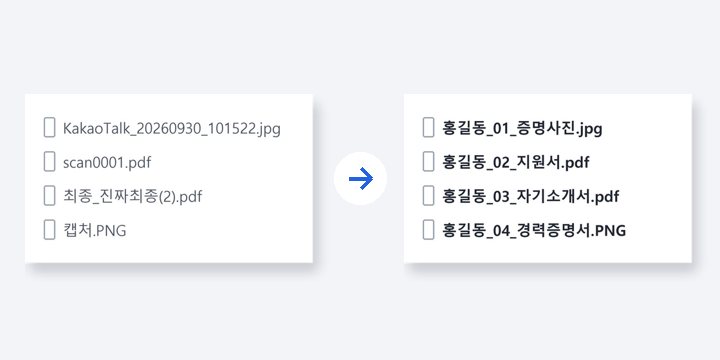
Line up submission file names and order in one go. File contents stay untouched.
Open →How to use
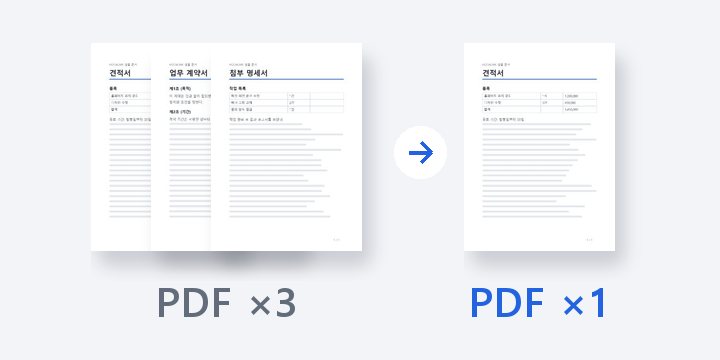
Add, check names, repack as UTF-8.
No install, no sign-up. Right now.