
RENAME FILES
You can’t really submit
“final_FINAL(2).pdf.”
Type a prefix and document titles, and every file gets a numbered submission name in order, all packed into one ZIP. File contents don’t change by a single byte.
- No install
- No sign-up
- Files stay on this device
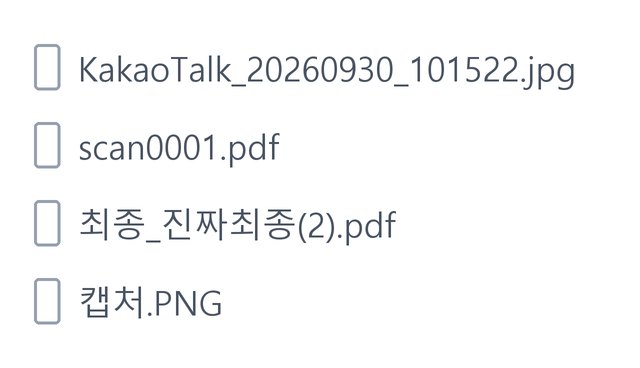
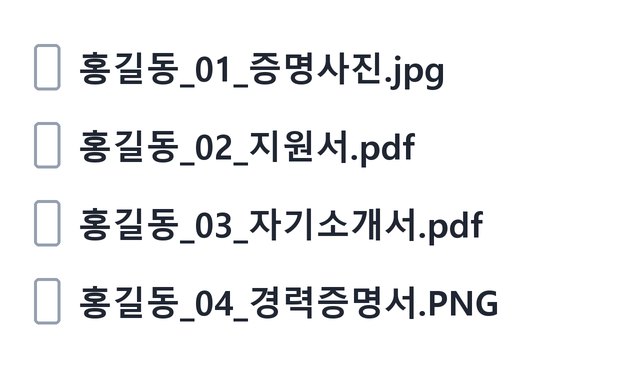
BEFORE → AFTER
Four messy file names, ready to submit
Prefix “홍길동” (a Korean placeholder name, like “John Doe”), four document titles, starting number 1. A chat photo, a scan and a “final” file were renamed in order, from …_01_ID-photo.jpg to …_04_employment-certificate.PNG. Extensions stay as they were.
Actual result of processing HODADAK sample files (all names are examples) with Submission filenames v0.1.1.
HOW TO
Three steps and done
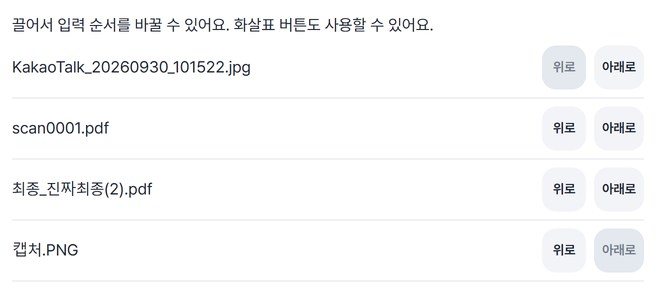
Add files and set the order
Up to 100. Drag them or use the arrow buttons to reorder. Numbers follow this order.
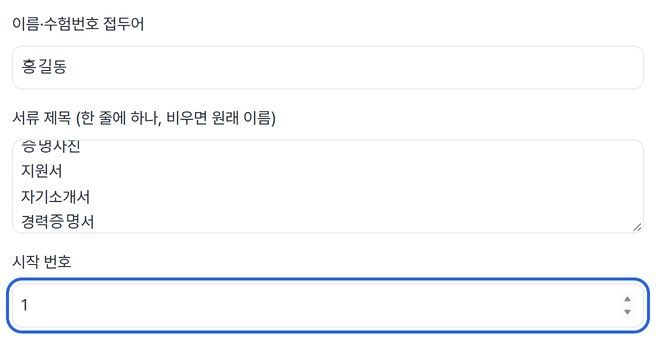
Enter a prefix, titles and a starting number
One document title per line; leave it empty to keep the original name. The new names are shown in a table before you save.
Check, then save as a ZIP
See original and new names side by side, then save. A name map (JSON) goes into the ZIP too.
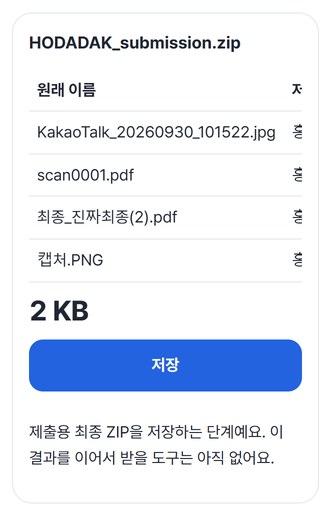
WHEN
Perfect for
- “Please name files name_number_document”
Match job or scholarship upload rules exactly.
- Names like KakaoTalk_… or scan0001
Turn whatever you received into proper document names.
- The final step after other tools
Results from CSV check, ZIP filename repair and subtitle tools can continue straight here.
GOOD TO KNOW
Good to know
- Files you can add: up to 100, 20MB each, 100MB in total. Mixed types like photos and PDFs are fine.
- New names follow prefix_number_title. Numbers have two digits (01, 02…) and extensions stay as they were.
- Only names change. File contents stay byte-for-byte the same, so photo sizes and PDF contents don’t change. It doesn’t read files to suggest names.
- You get one final ZIP for submission, with a name map (JSON) of original ↔ new names inside.
- Press Try a sample to try it without your own file. This is the final saving step, so no next tool takes this result yet.
FAQ
Frequently asked questions
Where do my files get uploaded?
Nowhere. Everything is processed inside this device's browser, and closing the window clears both the files and the results.
Does renaming change the file contents?
No. Files are only renamed and packed into the ZIP. Our audit separately checked that saved files match the originals byte for byte. You can find the original names in the name map inside the ZIP.
Which devices has it been checked on?
We confirmed it in Edge and WebKit (the engine behind Safari) on Windows. Phones were tested by simulating a phone screen on a PC; checks on real Mac, iPhone and Android devices are still to come.
NEXT
Handy next steps
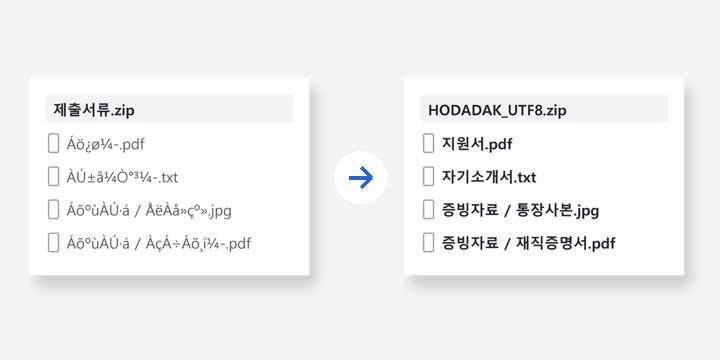 ZIPNewRepair ZIP filenames
Garbled names after unzipping? Read them correctly and repack as UTF-8.
Open →How to use
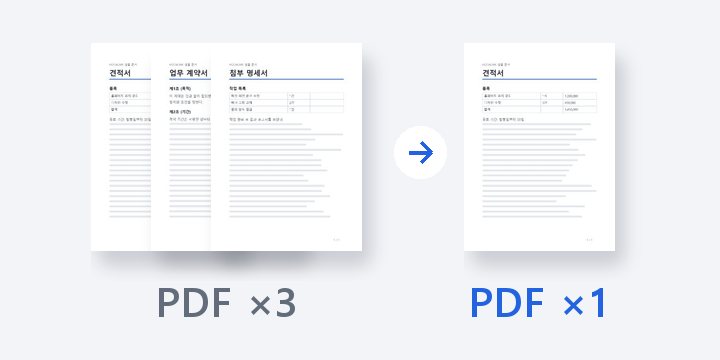
Order, name, one ZIP.
No install, no sign-up. Right now.