
ID PHOTO SIZE
“Photo doesn’t meet the requirements”?
Start with the pixels.
Fit the crop, pixels and file size to the required spec without uploading your face anywhere. The Korea online passport size (413×531px) is one choice away.
- No install
- No sign-up
- Files stay on this device


BEFORE → AFTER
An upper-body photo, sized for a passport
We chose “Korea online passport size · 413×531px” and zoomed to 1.25. The 1500×2000 photo became a 413×531 JPEG of 27,495 bytes.
Actual result of processing a HODADAK sample photo (an illustrated, synthetic upper-body portrait, for illustration) with ID photo size v0.1.1.
HOW TO
Three steps and done
Add your photos
JPEG or PNG photos with an original white background, up to 8.
Pick a size and frame it
Choose Korea online passport size, ID photo (354×472px) or custom pixels (32–2000px). Drag the photo or use the zoom and position sliders. Dashed lines are guides and aren’t saved.
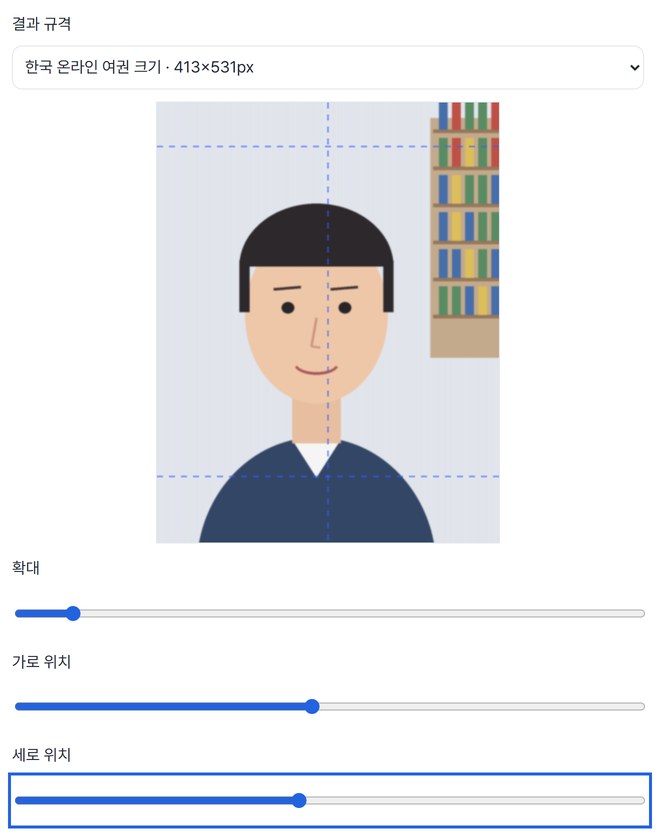
Compare and save
Compare the preview with the original, then save. You get a 300dpi JPEG of up to 500,000 bytes each.
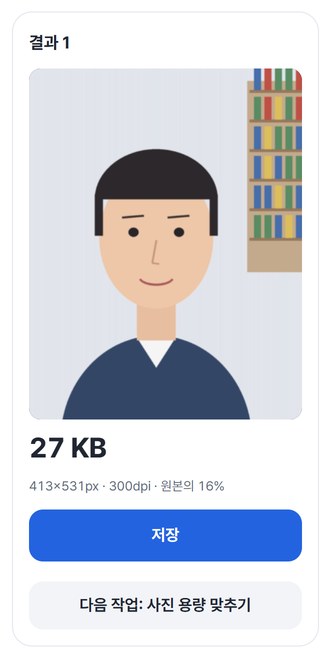
WHEN
Perfect for
- The photo field in a Korean online passport application
Pick “Korea online passport size” right away.
- Applications that specify exact pixels
Enter the width and height under custom pixels.
- Several family photos to the same spec
Up to 8, each framed separately.
GOOD TO KNOW
Good to know
- Photos you can add: JPEG · PNG, up to 8, 20MB · 24MP each, 60MP · 80MB in total.
- Only pixels and file size are matched. It doesn’t judge whether the face or background is acceptable, or whether the photo will be accepted. Head size isn’t measured automatically.
- Korean passports require an original white-background photo with no retouching or compositing. This tool doesn’t change the background.
- If the area you chose is smaller than the output, it won’t force an enlargement — it tells you. Reduce the zoom or use a larger original.
- Press Try a sample to try it without your own file. The Continue button on a result card carries on in another tool without adding the file again.
FAQ
Frequently asked questions
Where do my files get uploaded?
Nowhere. Everything is processed inside this device's browser, and closing the window clears both the files and the results.
Can I print the saved photo?
The result is a 300dpi JPEG. When printing, turn off your printer’s automatic scaling and check the printed size yourself. This tool doesn’t judge whether it meets the recipient’s rules.
Which devices has it been checked on?
We confirmed it in Edge and WebKit (the engine behind Safari) on Windows. Phones were tested by simulating a phone screen on a PC; checks on real Mac, iPhone and Android devices are still to come.
NEXT
Handy next steps
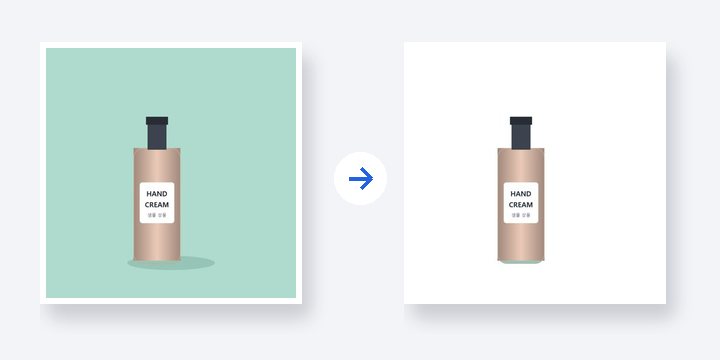 PhotoNewWhite background
Turn a plain background white and restore the parts you want to keep.
Open →How to use
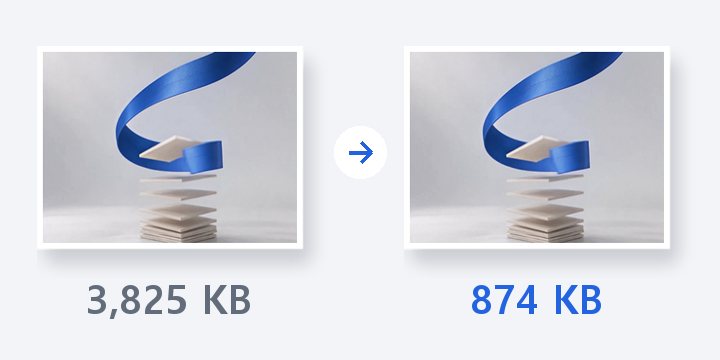
Pick a size, frame it, compare, save.
No install, no sign-up. Right now.