
PERCENTAGE CALCULATOR
What’s 25% off?
Keep the formula too.
Work out B% of A, A as a percentage of B, percentage change, or a discount. The formula and rounding rule are saved with the result.
- No install
- No sign-up
- Files stay on this device
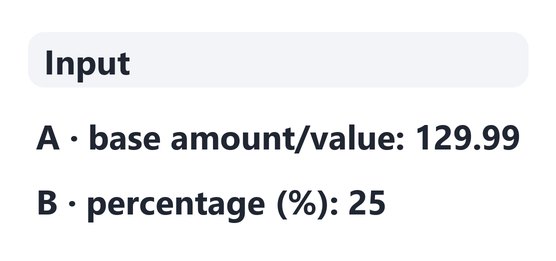
In short Percentage calculator is a free web tool that calculates B% of A, what percent A is of B, the percent change from A to B and a B% discount, showing the formula and rounding rule. It runs in your browser with no install or sign-up, and what you type stays on your device — nothing is sent to a server. Up to 30 digits with 12 decimal places; results rounded to 0–8 places. Exponent notation (like 1e5) isn’t accepted.
BEFORE → AFTER
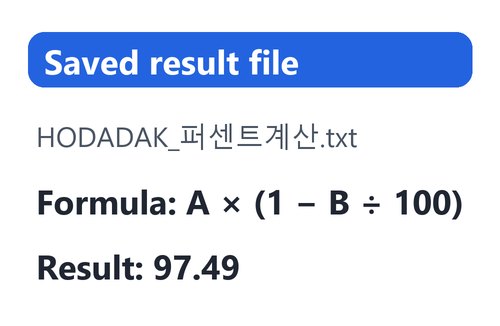
25% off 129.99 comes to 97.49
“B% discount on A” with A = 129.99, B = 25 and 2 decimal places. The formula A × (1 − B ÷ 100) and the result 97.49 are in the saved TXT.
Actual result of entering example values chosen by HODADAK into Percentage calculator v0.1.1, then reopening the saved TXT to check it.
HOW TO
Three steps and done
Pick a calculation and enter values
Choose “B% of A”, “A as a percentage of B”, “Change from A to B” or “B% discount on A”. Field names and the formula change to match.
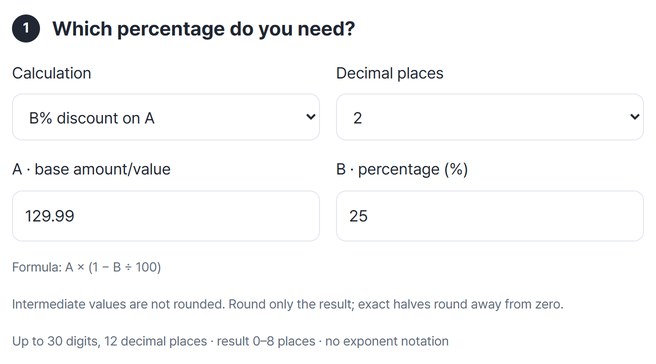
Check the formula and the result
Press “Calculate” to see the inputs, formula, decimal places and result together.
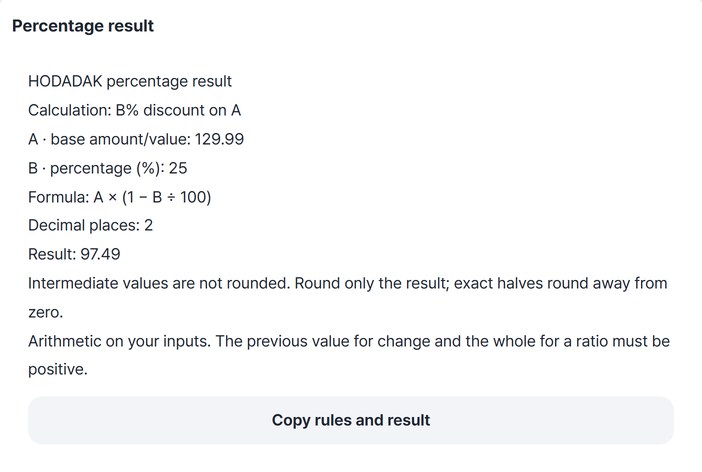
Copy it or save it as TXT
Press “Copy rules and result” or “Save”.
WHEN
Perfect for
- Checking a sale price
See what you will pay from the price and the discount.
- How much did it grow since last month?
Get the percentage change from the old and new values.
- Ratios in a report
Keep a note of how the number was calculated.
GOOD TO KNOW
Good to know
- Rounding: intermediate values are not rounded; only the result is rounded to the places you choose (0–8). Exact halves round away from zero.
- Numbers you can enter: up to 30 digits and 12 decimal places, no exponent notation. Commas like 1,000 are fine.
- Values that must be above zero: the old value for a change and the whole value for a ratio. A discount must be 0–100%.
- Results are shown without thousands separators — for example 42415 rather than 42,415.
- The saved TXT holds the method, inputs, formula and rounding rule. The Continue button on the result card passes it to the file renaming tool.
FAQ
Frequently asked questions
Where do the values I enter go?
Nowhere. The calculation happens inside this device’s browser.
Are decimal inputs like 12.5 calculated as entered?
Your decimal inputs are calculated as entered, with no rounding along the way. Only the result is rounded to the decimal places you choose.
Which devices has it been checked on?
We confirmed it in Edge on Windows. Phones were tested by simulating a phone screen on a PC; Safari-based browsers and real Mac, iPhone and Android devices are still to come.
NEXT
Handy next steps
 New
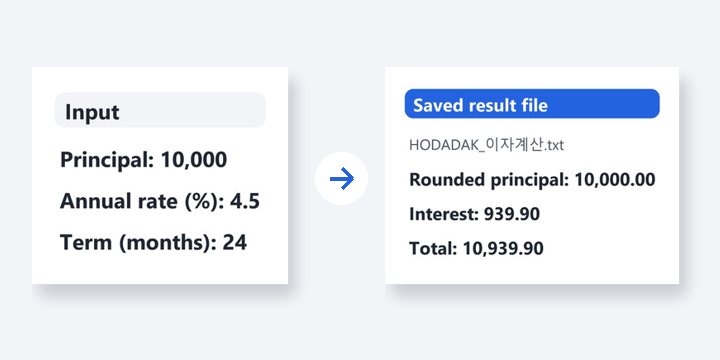
NewReview after-tax deposit and monthly-saving estimates, or precise simple and compound calculations.
Open
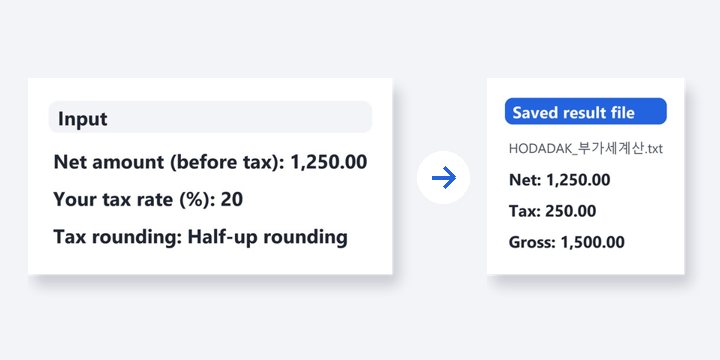
Pick, enter, save with the formula.
No install, no sign-up. Right now.